TL;DR
- The biggest AI study mistakes happen when students use AI to skip thinking instead of support learning.
- AI summaries are useful, but only if you turn them into flashcards, practice questions, and active recall.
- Trusting AI hallucinations in studying can quietly teach you wrong facts, so always check important claims against your notes.
- The best AI study workflow for exams is simple: upload material, generate questions, answer first, review mistakes, and space the weak spots.
- Cramd helps turn notes and PDFs into flashcards and quizzes so AI supports retrieval instead of passive reading.
Introduction
AI can make studying feel almost too easy. You paste in a chapter, get a summary, ask for the answer, and suddenly the assignment looks less intimidating.
But that is also where the trouble starts.
The most common mistakes students make when using AI to study are small habits: reading AI summaries instead of testing yourself, accepting confident wrong answers, asking lazy prompts, or letting AI solve work you still need to understand.
That is using AI to study wrong. AI should reduce study setup, not replace the retrieval, reasoning, and practice that actually builds memory. This guide breaks down the AI study mistakes to avoid and shows you how to use AI as a study partner without turning it into a crutch.
Why AI Study Mistakes Matter
AI can make studying faster, but not automatic
AI study tools can summarize a PDF, generate flashcards, explain a concept, or create practice questions in seconds. That is a real advantage when you are juggling exams, lectures, and deadlines.
But faster setup is not the same as learning. If AI gives you a clean answer and you simply read it, your brain has not done much work yet.
The best AI study tools remove friction so you can get to the hard part sooner: answering, recalling, and checking your understanding.
Overreliance turns help into a crutch
AI overreliance in students matters because it can make schoolwork feel smoother while weakening the thinking behind it. A systematic review on AI over-reliance connects heavy dependence on AI systems with risks to critical thinking and analytical reasoning.
That does not mean AI is bad for studying. It means the tool needs boundaries.
Use AI to build practice. Do not use it to avoid practice.
The goal is better retrieval, not prettier notes
Pretty notes are nice. They are not the finish line.
Good studying makes you retrieve information before you see the answer. That is why active recall studying matters so much. AI should help you create the prompts, flashcards, and quizzes that force recall.
If your AI workflow ends with a summary, it stopped too early.
9 Mistakes Students Make When Using AI to Study

1. Asking AI for answers instead of explanations
The first ChatGPT study mistake is asking for the final answer before you try the problem.
That feels efficient, but it trains you to recognize someone else's reasoning instead of building your own. Ask AI for hints or feedback after you attempt it.
Better prompt: "Give me a hint, but do not solve it yet."
2. Reading AI summaries passively
Using AI summaries to study can save time. It can also turn into rereading with nicer formatting. After reading a summary once, ask AI to make five quiz questions, three flashcards, or a short practice test from the same material.
For PDF-heavy classes, Cramd's AI PDF summarizer helps most when you use the summary to create practice, not just another page to skim.
3. Trusting AI hallucinations without checking
AI can sound confident even when it is wrong. In school, one hallucinated date, formula, citation, or definition can spread through your whole study guide. Recent AP coverage of AI literacy highlights verification, bias, and misinformation as core classroom concerns.
Check important facts against your lecture notes, textbook, syllabus, or instructor materials before you memorize them.
4. Using weak prompts like "help me study"
"Help me study" is too vague.
AI can only aim well if you give it a target. Tell it the class, topic, exam format, difficulty level, and what output you want.
Better prompt: "Act like a college biology tutor. Create 12 short-answer questions from these notes. Do not include answers until after the questions."
5. Skipping active recall
If AI explains everything before you try to remember it, you are still studying passively.
To learn how to use AI for active recall, reverse the order. Ask for questions first, answer from memory, then ask for feedback.
Use prompts like "quiz me one question at a time" or "ask me to explain this concept before correcting me."
6. Making flashcards without reviewing them
AI flashcards from notes are useful only if you actually review them.
It is easy to generate 80 cards and feel productive. But the learning happens when you answer the cards, mark weak spots, and review them again later.
Use an AI flashcard maker to create the deck faster, then spend your real study time practicing.
7. AI study tools for students mistakes: using too many tools at once
More tools can mean more confusion.
One app summarizes PDFs. Another makes cards. Another quizzes you. Suddenly you are managing the system instead of studying.
Keep your AI study stack small. Jisc's Student Perceptions of AI 2025 notes student concerns around reliance and quality, which is a reminder to choose tools deliberately.
8. Letting AI write work you need to understand
Using AI for homework vs studying comes down to intent and course rules.
If AI helps you understand a concept, generate practice, or review your notes, it is supporting learning. If it writes an answer you submit as your own, you may be crossing an academic integrity line.
Harvard's guidance on academic integrity and AI encourages clear examples of allowed and disallowed use. When in doubt, check your syllabus.
9. Waiting until exam week to use AI
AI can help during a cram session, but that is the weakest version of the tool. Students in the HEPI Student Generative AI Survey 2025 reported widespread AI use for assessment-related tasks, including explaining concepts and summarizing articles. The opportunity is to make that use more structured.
Do not wait until you are drowning. Build the study loop early.
How to Use AI for Active Recall
Ask for quiz questions before summaries
Most students ask for a summary first. Try asking for questions first.
Give AI your notes and say, "Create 10 questions that test whether I understand this. Hide the answers until I respond." Now the tool is making you retrieve, not just read.
This is useful for AI practice questions for studying, because practice questions reveal what your notes only pretend you know.
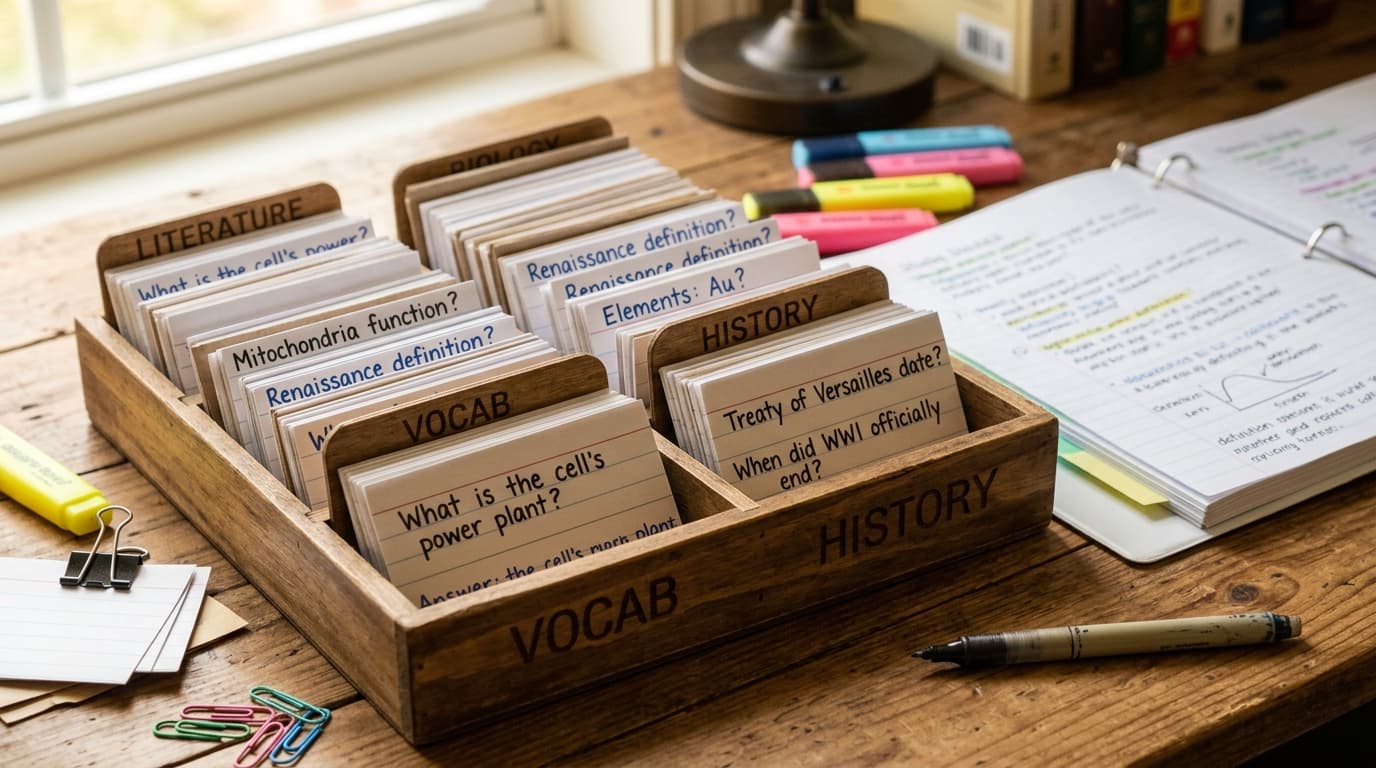
Turn notes into flashcards
Flashcards are one of the cleanest ways to turn AI into active recall.
Upload or paste notes, then ask for cards that test one idea at a time. Delete cards that are vague, too easy, or too broad.
For a full workflow, read Cramd's guide on how to use AI for studying.
Use AI to find weak spots
After a quiz, paste your wrong answers back into AI and ask, "What pattern do you see in my mistakes?"
The goal is to find the next thing to practice. AI can help spot whether you are missing definitions, mixing up concepts, or skipping steps.
Using AI for Homework vs Studying
When AI supports learning
AI supports learning when it helps you understand material you still work through yourself. Good uses include summarizing a chapter, generating flashcards, explaining feedback, creating practice questions, and checking your reasoning.
Duke's AI and critical thinking toolkit frames the key risk clearly: overreliance can weaken critical thinking when people let AI make decisions for them. Keep yourself in the loop.
When AI crosses the line
AI crosses the line when it replaces the work your instructor is grading.
That might mean submitting an AI-written paragraph as your own, asking AI to solve a graded problem, or using a tool your syllabus bans.
The simple test: if you could not explain the final answer without AI, you probably did not study it deeply enough.
AI Study Workflow for Exams

Upload or paste your material
Start with your actual course materials: lecture notes, slides, textbook PDFs, study guides, or practice questions.
This keeps the AI grounded in what your class is actually testing, instead of drifting into a generic explanation that misses your professor's emphasis.
Generate questions and flashcards
Next, generate practice.
Ask for short-answer questions, multiple-choice questions, flashcards, cloze cards, and teach-back prompts. If you use Cramd, you can turn notes and PDFs into flashcards directly, then review them instead of rebuilding the same material by hand.
Review with spaced repetition
Once you have cards or questions, review them over time.
Spaced repetition brings difficult material back sooner and easy material back later. This turns AI output into a real review system instead of a one-time cram file.
AI Study Mistakes to Avoid: Quick Checklist
Before your next study session, run through this list:
- Did I try the problem before asking for the answer?
- Did I turn the AI summary into questions or flashcards?
- Did I check important AI claims against my course materials?
- Did I give AI a specific role, topic, and output format?
- Did I answer from memory before reading feedback?
- Did I review the flashcards AI generated?
- Did I keep my AI study tools simple?
- Did I follow my instructor's AI policy?
- Did I schedule review before exam week?
If most answers are yes, you are using AI as a study helper instead of a shortcut.
Conclusion
The biggest mistakes students make when using AI to study come from handing over the thinking. AI can summarize, organize, quiz, and generate flashcards, but it cannot build your memory for you.
Use AI to make better study materials faster. Then do the part that matters: answer questions, recall from memory, review weak spots, and space your practice.
If you want AI to support real learning, Cramd turns notes and PDFs into flashcards, quizzes, and study materials built for active recall. Try the AI flashcard generator or AI PDF summarizer and make your next study session actually count.