Here's a number worth sitting with: in just 12 months, the share of students using AI tools jumped from 66% to 92%. That's not a gradual trend — that's a shift. And yet, most students are still using AI the same way they use Google: to find quick answers and copy-paste their way through homework.

That's not AI for studying. That's AI for shortcuts — and it's leaving a lot of potential on the table.
Done right, ai for studying means having a system that summarizes your lectures, builds your flashcards, quizzes you on the hard stuff, and helps you retain information long after the exam is over. This guide breaks down exactly how to build that system — step by step, tool by tool, no fluff.
Whether you're a premed student drowning in dense textbooks, a college freshman trying to find your footing, or a high schooler figuring out how to actually learn (not just cram), this guide is for you.
TL;DR
- AI for studying means using tools to build an active recall system, not just getting quick answers to homework.
- The ideal student AI stack only needs three tools: an AI summarizer, an AI flashcard generator, and a quizzing tool.
- Active recall and spaced repetition are the most scientifically validated methods to combat the forgetting curve—AI just removes the painful setup time.
- Always use AI to augment your thinking (like generating practice questions) rather than replacing it (like submitting AI-generated essays).
- Your approach should match your course: summarize lectures for high-volume classes, extract core arguments for readings, and generate practice problems for STEM.
What Is AI for Studying, and Why Does It Actually Work?
AI study tools aren't magic. They work because they plug directly into two of the most well-researched learning techniques in cognitive science: active recall studying and spaced repetition. The problem is that most students never use either consistently — because both are tedious to set up manually.
AI changes that equation completely.
The Science Behind AI-Powered Learning

Passive studying, re-reading notes, highlighting textbooks, watching lecture recordings, feels productive but doesn't stick. Research consistently shows that students who test themselves on material retain it far better than those who simply review it.
The problem with self-testing is the setup time. Writing your own flashcards, generating your own quiz questions, summarizing 80-page PDFs, it's exhausting before you've even started learning.
AI collapses that setup time from hours to seconds. When the friction disappears, you actually do the active recall. And when you actually do the active recall, the learning happens.
Why Passive Studying Is Failing You (and What AI Fixes)
Think about the last time you highlighted an entire chapter. How much of it can you recall right now?
The Ebbinghaus forgetting curve shows that without any active effort to reinforce memory, most people forget roughly 70% of new information within 24 hours. Passive studying doesn't fight the forgetting curve, it just delays it slightly.
An ai study helper fights it by taking your raw notes or PDFs and immediately converting them into testable material. You're not re-reading. You're retrieving. And retrieval is what actually builds long-term memory.
How to Use AI as Your Personal Study Helper
Think of your AI study workflow as a three-step pipeline. Each step builds on the last, and by the end, you've turned a lecture or reading into a full, self-testing study session.
Step 1: Use AI to Summarize Your PDFs and Lecture Notes
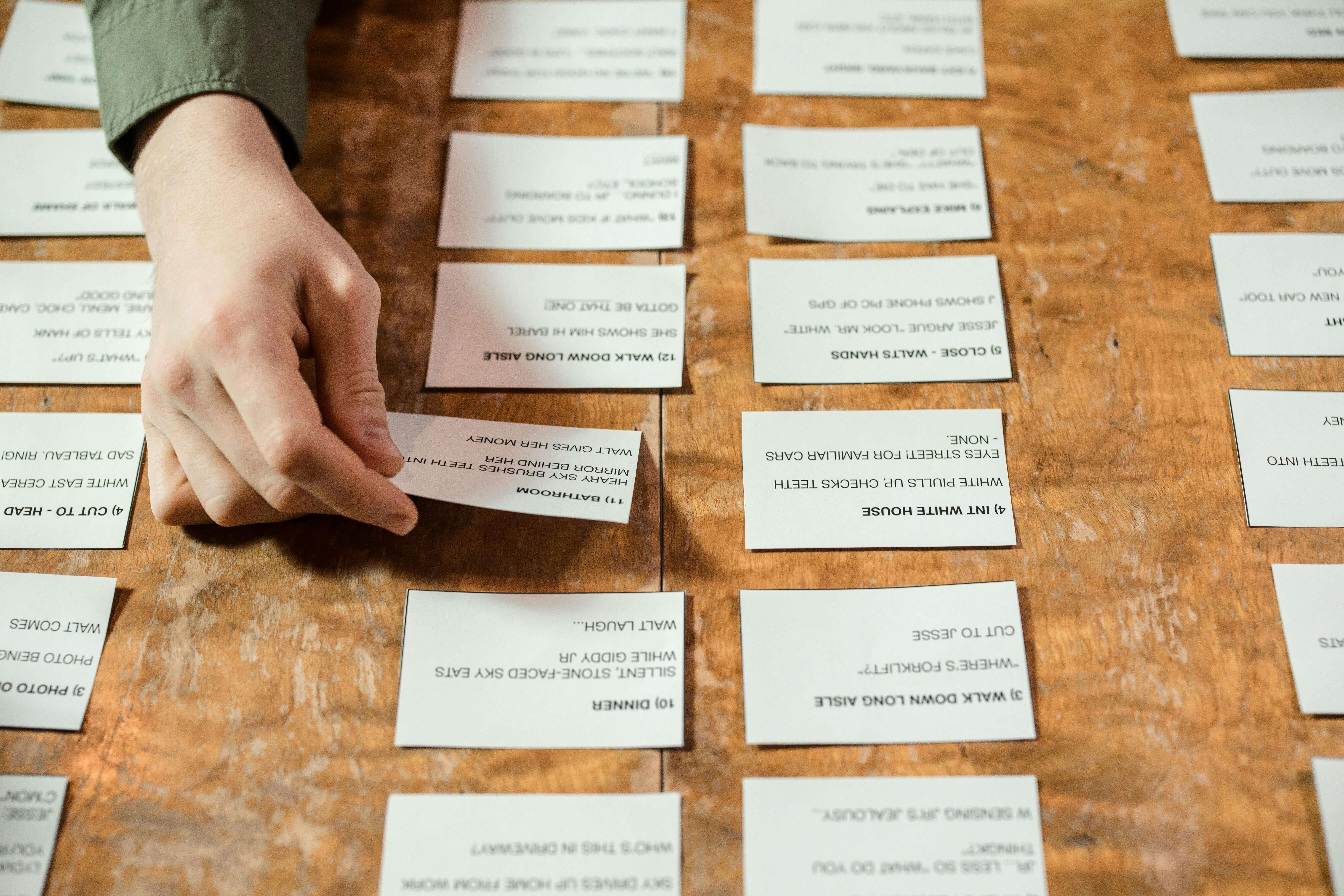
Before you can study anything, you need to understand what you're working with. Dense academic PDFs, 90-minute lecture transcripts, and messy handwritten notes all carry the same problem: the signal is buried in the noise.
Start by uploading your material to an AI PDF summarizer. In under a minute, you'll have a clean, structured summary that pulls out key concepts, definitions, and themes. You're not skipping the content, you're getting a map of it before diving in.
This is especially useful for reading-heavy courses where you're dealing with 50+ pages a week. Instead of spending 3 hours per chapter, spend 20 minutes reviewing the AI summary, then focus your deep reading on the 2-3 sections the summary flagged as most important.
Step 2: Turn Summaries into AI Flashcards for Active Recall
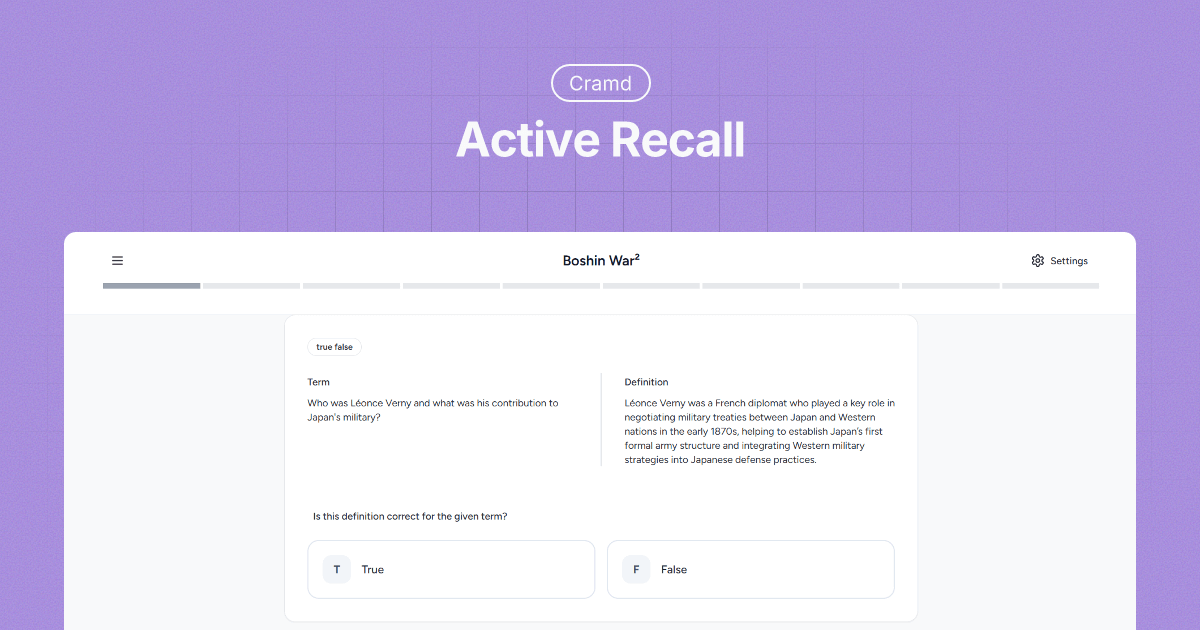
Once you've got your summary, the next step is turning it into testable content. This is where an AI flashcard generator earns its keep.
Paste your summary (or your original notes) and let the AI generate a deck of flashcards in seconds. Good AI flashcard tools will automatically pull out definitions, cause-and-effect relationships, and key concepts, the exact type of content that shows up on exams.
The key here is not to passively flip through the cards. Use the deck to test yourself before you feel ready. That uncomfortable feeling of not knowing the answer yet? That's the learning happening.
Step 3: Quiz Yourself with AI-Generated Practice Questions

Flashcards are great for definitions and short-answer recall, but exams usually require you to apply knowledge. Once you've worked through your flashcard deck, push yourself further with AI-generated practice questions.
Give an AI tool your summary or notes and ask it to generate 10 short-answer or multiple-choice questions on the material. Answer them without looking at your notes. Grade yourself. Find the gaps. Then go back and target those weak spots specifically.
This three-step system, summarize → flashcard → quiz, is how you get through twice the material in half the time, without the guilt spiral of a 4-hour "study session" that was mostly procrastination.
At Cramd, we’ve seen students consistently retain more when they follow this summarize → flashcard → quiz workflow instead of passively reviewing notes.
What Is the Best Way to Build Your AI Study Stack?
More tools doesn't mean better studying. The best AI study tools are the ones you'll actually use consistently, not the ones with the longest feature list.
The 3-Tool Student AI Stack
For most students, a lean, effective ai study setup looks like this:
1. Summarizer: For getting the main ideas out of long content fast. Works with PDFs, videos, web articles, and lecture transcripts.
2. Flashcard Generator: For turning those summaries into active recall practice. The best ones use spaced repetition to schedule cards based on how well you know them.
3. Quiz/Practice Tool: For testing yourself on applying the material, not just recalling it.
That's it. You don't need 12 apps. You need three that work together seamlessly. Cramd is built to handle all three in one place, upload a PDF, get a summary, generate flashcards, and quiz yourself without ever switching tabs.
How to Combine AI with Spaced Repetition
Spaced repetition is the science of reviewing information at increasing intervals, right before you're about to forget it. It's one of the most effective long-term memory techniques ever studied, and it's notoriously annoying to do by hand.
AI study tools with built-in spaced repetition handle the scheduling automatically. After each review session, the algorithm tracks what you got right and wrong, then prioritizes the cards you struggled with in your next session. Over time, the cards you know well get pushed further into the future, while your weak spots get drilled more frequently.
For high-retention subjects, like pharmacology, anatomy, history timelines, and legal frameworks, combining AI flashcard generation with spaced repetition is the closest thing to a guaranteed memorization system.
How Can Students Use AI Without Getting in Trouble?
This question deserves a straight answer. Academic integrity policies are evolving fast, and the rules vary by school and professor. Here's how to stay on the right side of them.
What Counts as Academic Dishonesty with AI?
Most academic integrity violations involve students submitting AI-generated text as their own original work, whether that's an essay, a research paper, or a short-answer response. That's where schools draw the clearest line.
Using AI to study is an entirely different category. Generating flashcards from your notes, getting a PDF summarized, quizzing yourself with AI-generated questions, none of that is submitting AI-generated work. You're using AI as a study aid, the same way you'd use a textbook, a tutor, or a study group.
When in doubt, the question to ask is: is AI doing the thinking for me, or am I doing the thinking with AI's help? The first is a problem. The second is just smart studying.
How to Use an AI Study Helper Ethically
A few practical rules that keep you clear:
Use AI to learn, not to skip learning. Let AI summarize a dense chapter so you can understand it faster, not so you can avoid reading it entirely.
Do your own writing. AI can help you outline an essay, explain a concept, or give feedback on a draft. The words you submit should be yours.
Check your school's policy. Many institutions now have specific AI policies that define acceptable use. Read them. If something feels like a gray area, ask your professor before the due date, not after.
Don't upload sensitive materials. Be thoughtful about what you share with AI tools. Avoid uploading personal data, exam content, or anything your institution considers confidential.
AI Study Methods by Student Type
The right study ai approach depends on how your course is structured. Here's a breakdown by course type.
For Lecture-Heavy Courses (Premed, Law, History)
Your biggest bottleneck is information volume. Lectures move fast, notes get messy, and by the time you sit down to study, the material already feels distant.
Best approach: Record lectures (where allowed) and use a video or audio summarizer to pull out key concepts automatically. Then feed those summaries into a flashcard generator to build your deck. Review cards daily using spaced repetition — even if it's just 15 minutes before dinner.
For Reading-Heavy Courses (Humanities, Social Sciences)
You're dealing with long, dense texts that require synthesis, not just memorization. The goal isn't to memorize every argument, it's to understand the through-line and be able to apply it.
Best approach: Use a text summarizer on each chapter or article to extract the main argument, key evidence, and conclusion. Build a small flashcard deck with the author's core claims and the strongest counterarguments. Before seminars or essays, review your cards to warm up your analytical thinking on the material.
For STEM Courses (Math, Chemistry, Engineering)
You're not memorizing facts, you're building pattern recognition. AI can help you understand concepts and generate practice problems, but you still need to do the problems yourself.
Best approach: Use AI to explain concepts you're stuck on in plain English. Then generate practice problems at increasing difficulty levels. The flashcard approach works well for formulas, definitions, and unit conversions — but the real learning happens when you work through problems from scratch.
Common Mistakes Students Make When Using AI to Study
Even with the right tools, there are a few traps that trip up nearly every student who starts using AI for studying.
Over-Relying on AI Summaries Without Testing Yourself
Reading an AI summary and feeling like you understand the material is one of the most common study illusions. Understanding something when it's explained to you isn't the same as being able to retrieve it when the explanation isn't in front of you.
After every AI summary session, close the summary and try to explain the key concepts back in your own words. If you can't, you don't know it yet, and now you know exactly what to study next.
Using Too Many Tools at Once (Tool Overload)
There are hundreds of ai study tools out there. Trying five different apps in the first week of the semester is a great way to waste two weeks and learn nothing.
Pick one system, use it consistently for 30 days, and evaluate. The tool that's slightly less featured but that you actually use every day will outperform the "best" tool you abandoned after three sessions every single time.
Start Studying Smarter, Not Just Faster
AI for studying isn't a shortcut to better grades. It's a system that removes the friction between you and the techniques that actually work, active recall, spaced repetition, and regular self-testing.
The three things to take away: summarize first, then build flashcards, then quiz yourself. Keep your tool stack simple. Use AI to support your thinking, not replace it.
If you want to put this system on autopilot, Cramd's AI flashcard generator turns your notes, PDFs, and lecture content into smart, spaced-repetition flashcards in seconds, no setup required.
Sources: HEPI Student Generative AI Survey 2025 · Programs.com: 92% of Students Use AI · Copyleaks: 2025 Student AI Usage Report · DemandSage: AI in Education Statistics