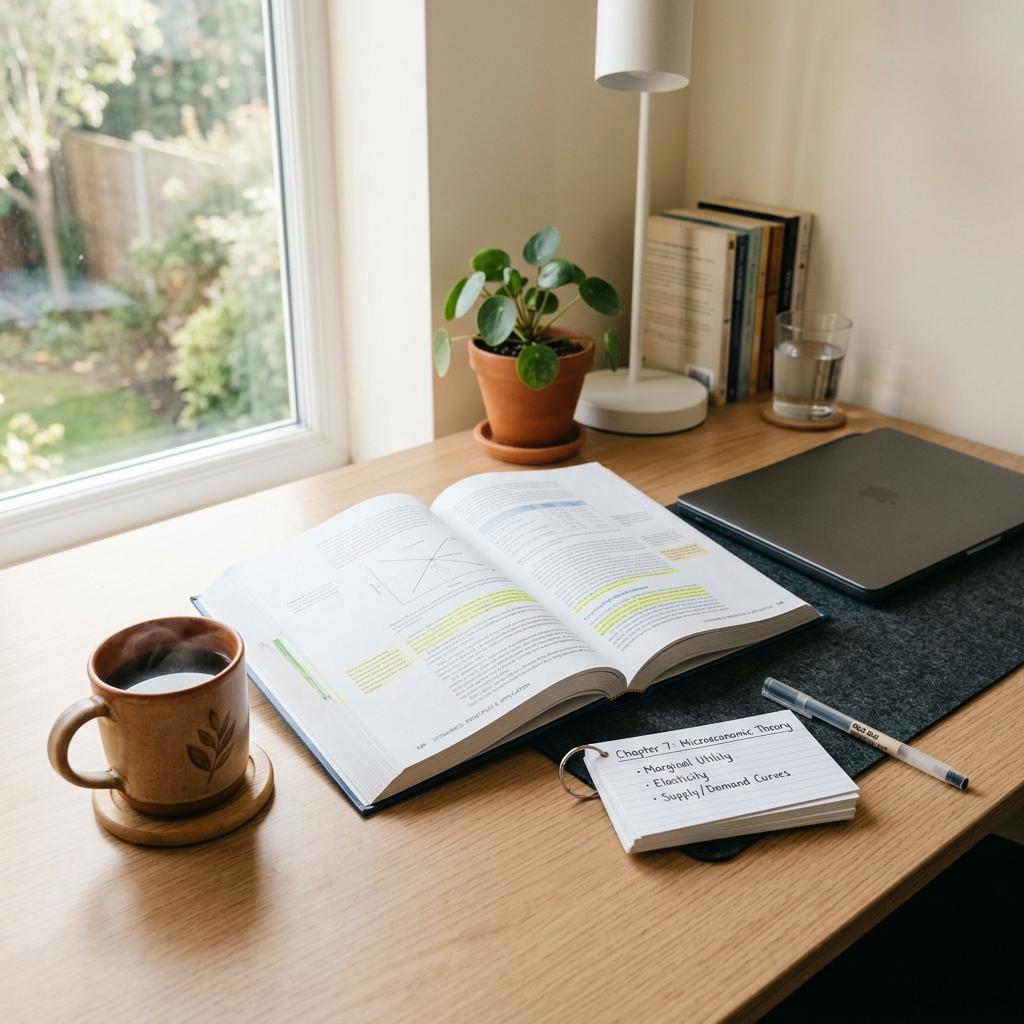
If you've ever reread a chapter three times and still bombed the quiz, you already know the problem: rereading feels productive, but it doesn't actually test what you know. That's where AI tools for making practice tests come in. Instead of highlighting the same paragraph for the fourth time, you can turn your notes, slides, or textbook PDF into real questions in under a minute - and start finding your weak spots before your professor does.
This isn't just a study hack. Cognitive scientists have studied this exact idea for decades, and it's called the testing effect. Retrieving information from memory - the way you do when you take a practice test - builds stronger, longer-lasting memory than simply rereading or restudying the same material. One classic study by Karpicke and Blunt found that students who practiced retrieval remembered roughly 50% more a week later than students who just reread their notes.
The good news is you don't have to write those questions yourself. AI study tools can generate them for you, straight from the materials you already have. Below are the 10 best AI tools for making practice tests in 2026, including several free options and a couple built directly by educators, so you can pick the one that actually fits how you study.

Why Practice Tests Work Better Than Rereading
Before you pick a tool, it helps to understand why this category of AI study tools for students exists in the first place - and why teachers have been using low-stakes quizzes in classrooms for years.
The Testing Effect, Explained Simply
When you try to recall an answer instead of just recognizing it on a page, your brain has to work harder. That extra effort is what makes the memory stick. Researchers call this active recall studying, and it consistently outperforms passive review methods like rereading or highlighting.
Why Teachers Already Use This Method
Retrieval practice isn't a trend - it's a technique many teachers already build into their classrooms through pop quizzes, exit tickets, and warm-up questions. The same principle that makes a Friday quiz effective is what makes an AI-generated practice test effective: frequent, low-stakes retrieval beats last-minute cramming. If you want a deeper breakdown of the research, Cramd's guide to active recall studying walks through the science in plain English.
AI Just Makes It Faster
Writing 20 solid practice questions by hand takes real time - time most students don't have the week before finals. AI study helpers can read a PDF, slide deck, or set of notes and generate a full practice test in seconds, which is exactly why this category has exploded. Some research even suggests AI-powered study tools can improve study efficiency by 30-40% simply by automating the repetitive parts of test prep.
How We Chose These AI Practice Test Generators
A note on methodology: This list was compiled from each tool's official product pages, documentation, and independent reviews, comparing them against the same set of criteria below. We did not run every tool through hands-on testing with identical materials, so treat feature and pricing details as a strong starting point rather than a first-hand benchmark - free tiers and pricing change often, so double-check current details on each tool's site before you commit.
Here's what we looked for:
- Question quality - does it test real understanding, or just spit out fill-in-the-blank definitions?
- Document grounding - can it generate questions from your actual notes and PDFs, not just generic textbook content?
- Question variety - multiple choice, short answer, and scenario-based questions, not just one format
- Free access - a usable free tier that doesn't lock the core feature behind a paywall
- Explanations - does it tell you why an answer is right or wrong, so you actually learn from mistakes?
The 10 Best AI Tools for Making Practice Tests
1. Cramd - Best All-in-One AI Study Helper
Cramd's AI flashcard generator and PDF summarizer turn lecture slides, PDFs, or pasted text into testable practice questions and flashcards in seconds - no manual typing required. It's built around active recall and spaced repetition, the same two principles researchers point to when they talk about what actually improves retention.
Key features:
- Upload PDFs, notes, or slides and get practice questions instantly
- Built-in spaced repetition so you review material right before you'd forget it
- Works for reading-heavy and lecture-heavy courses alike
- Free tier available, no steep learning curve
Potential drawback: As with any AI generator, question quality depends on the clarity of what you upload - messy or low-quality scans can produce weaker questions.
Best for: Students who want practice tests and flashcards generated from their own course material, without juggling three different apps.
Try Cramd's free AI flashcard generator ->
2. ChatGPT - Best for Custom, Conversational Quizzes
ChatGPT can build a practice test from a prompt or pasted notes, and it's flexible enough to adjust difficulty on the fly if you ask it to. It works well for open-ended study sessions and can explain its reasoning behind an answer if you ask follow-up questions.
Potential drawback: Output quality depends heavily on your prompt, and it doesn't ground questions in a specific uploaded document the way dedicated quiz tools do - always verify generated answers against your own notes.
Best for: Students who want a conversational back-and-forth while studying, not just a static quiz.
3. Jotform AI Quiz Generator - Best Free, No-Signup Option
Jotform's quiz generator lets you build a quiz from a prompt or an uploaded document without creating an account first, which makes it one of the fastest free tools for a quick, one-off practice test.
Potential drawback: It's designed for fast, single-use quizzes rather than ongoing spaced review, so it won't track your progress over a semester.
Best for: A last-minute practice quiz before a small assignment, without any setup.
4. Wayground (formerly Quizizz) - Best for Group Review Sessions
Wayground turns quizzes into a game-style format and includes performance reporting that shows which questions tripped students up, which makes it a favorite for study groups and classroom review sessions where a little competition helps everyone stay focused.
Potential drawback: The game-show format is great for engagement but less suited to quiet, focused solo review the night before an exam.
Best for: Reviewing with classmates before an exam.

5. Quizgecko - Best for Turning Long Documents Into Structured Quizzes
Quizgecko is built specifically around converting long documents - think full textbook chapters - into structured quizzes with a mix of question types and adjustable difficulty, plus explanations for self-study.
Potential drawback: It's built for individual learning rather than classroom management, so it lacks the reporting tools a teacher running a class quiz would want.
Best for: Students working through dense reading assignments.
6. Knowt - Best Free Unlimited Practice Tests
Knowt offers unlimited AI-generated practice tests, spaced repetition, and an adaptive Learn Mode entirely on its free tier, plus a one-click Quizlet import if you're migrating an existing study set.
Potential drawback: As a free platform with a huge shared library, question quality on community-generated content can vary - your own AI-generated sets from your notes are more reliable than random shared decks.
Best for: Students who want unlimited practice tests without hitting a paywall.
7. StudyFetch - Best for Standardized-Exam Formats
StudyFetch can generate practice tests that mimic the format of specific standardized exams - including AP-style and health-science formats like NCLEX and USMLE - which is useful if you need practice that matches your actual test structure, not just generic questions.
Potential drawback: The free plan is limited to a small number of chats and study sets; full access to unlimited practice test generation requires a paid plan starting around $8/month.
Best for: Students prepping for a specific standardized or licensing exam.
8. Revisely - Best for GCSE and A-Level Practice
Revisely converts notes, PDFs, and slides into multiple-choice, true/false, and short-answer quizzes, with a content library that leans heavily toward UK curricula like GCSE and A-Level alongside general study use.
Potential drawback: The free plan caps you at a handful of quizzes per month, so heavy users will likely need the paid tier.
Best for: UK students studying toward GCSE, AS, or A-Level exams.
9. MagicSchool (MagicQuizzes) - Genuinely Built by a Former Teacher
MagicSchool is an AI platform built specifically for K-12 classrooms, and its MagicQuizzes tool generates standards-aligned multiple-choice and short-answer questions with instant feedback and results summaries. It's one of the few tools on this list actually designed and built by education professionals rather than adapted for classroom use afterward, which makes the "teacher-approved" label genuinely accurate here rather than just a marketing phrase.
Potential drawback: It's built for teachers assigning quizzes to a class, not for a student generating their own solo practice test, so students would need a teacher or self-created "class" to use it directly.
Best for: Teachers building standards-aligned practice quizzes and formative assessments for their students.
10. QuestionWell - Best for Standards-Aligned Question Banks
QuestionWell generates multiple-choice, short-answer, and discussion questions aligned to specific learning standards from a reading, video, or URL, then exports them to platforms like Google Forms, Canvas, or Kahoot. Like MagicSchool, it's built for educators, with a design philosophy centered on supporting teacher judgment rather than replacing it.
Potential drawback: It's optimized for teachers building assessments from curriculum content, not for a student uploading their own personal notes for self-quizzing.
Best for: Teachers who want quiz questions tied precisely to specific standards or learning objectives.
Quick Comparison: Best AI Practice Test Generators
| Tool | Best For | Free Tier | Question Types |
|---|---|---|---|
| Cramd | All-in-one practice tests + flashcards | Yes | Multiple choice, short answer, flashcards |
| ChatGPT | Custom, conversational quizzes | Yes | Fully customizable via prompt |
| Jotform AI Quiz Generator | Fast, no-signup quizzes | Yes | Multiple choice, short answer |
| Wayground | Group review sessions | Yes | Multiple choice, game-style |
| Quizgecko | Long documents and textbooks | Limited free | Multiple choice, true/false, short answer |
| Knowt | Unlimited free practice tests | Yes (unlimited) | Multiple choice, true/false, matching |
| StudyFetch | Standardized-exam formats | Limited free | Exam-format-specific (AP, NCLEX, USMLE, etc.) |
| Revisely | GCSE / A-Level practice | Limited free | Multiple choice, true/false, short answer |
| MagicSchool | Teacher-built classroom quizzes | Yes | Multiple choice, short answer |
| QuestionWell | Standards-aligned question banks | Limited free | Multiple choice, short answer, discussion |
This table is a snapshot, not a ranking - the "best" tool really depends on whether you're a student prepping solo for tomorrow's quiz or a teacher building an assessment for a whole class.
Common Mistakes Students Make With AI Practice Tests
Even the best AI study tools won't help much if you use them the wrong way. Watch out for these three habits:
Only doing questions you already know. It's tempting to breeze through easy questions because they feel good. The point of active recall studying is to find what you don't know, so lean into the topics that make you uncomfortable.
Skipping the explanations. A wrong answer without an explanation just tells you that you're wrong - it doesn't teach you why. Whenever a tool offers an explanation, actually read it before moving to the next question.
Generating one giant test and never repeating it. A single 50-question practice test the night before an exam is better than nothing, but it's not spaced repetition. Spreading shorter practice sessions across several days, with repeat exposure to the questions you missed, is what actually moves information into long-term memory.
Free vs. Paid: What You Actually Need
Most students don't need to pay for a practice test generator right away. Here's a quick gut check:
- Occasional use (a quiz before one test): A free, no-signup tool like Jotform is plenty.
- Regular studying across a whole semester: A tool with spaced repetition and progress tracking, like Cramd or Knowt, pays off because it remembers what you've already mastered and what still needs work.
- Group study sessions: A game-style tool like Wayground makes review sessions more engaging.
If you want a broader roundup of no-cost options beyond just practice tests, Cramd's guide to free AI study tools covers flashcards, summarizers, and more.
FAQ: AI Tools for Practice Tests
Are AI-generated practice tests actually accurate?
Quality depends on the tool and, more importantly, on what you feed it. Tools that generate questions directly from your uploaded notes or PDF (rather than pulling from generic internet content) tend to be far more accurate, because the questions reflect your professor's specific wording and emphasis. Always double-check a few AI-generated answers against your source material, especially for tricky or ambiguous topics.
Which of these tools are actually built by teachers?
MagicSchool and QuestionWell stand out here: both were built specifically for classroom use, and MagicSchool was founded by a former teacher with an explicit focus on K-12 workflows. That's a meaningfully different kind of "teacher-approved" than a general study app that happens to be popular with students - these two were designed around how teachers actually build assessments.
Is it cheating to use AI to make my study materials?
No - using AI to generate practice questions from your own notes is a study method, not an answer key. It's no different from a teacher writing a practice quiz for you, except it's generated faster and tailored to your specific material. The line to watch is using AI to complete graded work for you, which is a different situation entirely.
How many practice questions should I do before a test?
There's no universal number, but starting with 15-20 questions on your weakest topic is a solid baseline. If you get several wrong, that's useful information, not a bad sign. Learning how to use AI for studying the right way means treating wrong answers as a map of what to review next, not something to avoid.
The Bottom Line
Rereading your notes feels safe, but it doesn't tell you what you actually know. Practice tests do. Whether you go with a quick free tool like Jotform for a one-off quiz or an all-in-one AI study helper like Cramd for ongoing spaced repetition, the goal is the same: find your gaps before your exam does.
If you want practice tests and flashcards generated from your own PDFs and notes in one place, try Cramd's AI flashcard generator free -> and turn your next study session into an actual practice test, not just another reread.