If you're a student in 2026, you're almost certainly using free AI study tools, whether you realize it or not. Research from Pew Research shows that AI tool use among students has surged dramatically, yet most students report choosing tools based on cost first. And that makes complete sense textbooks, tuition, and rent already eat your budget.
The problem? A lot of "free" AI study tools are free in name only. You sign up, get excited, and then hit a paywall the moment you try anything useful.
This guide cuts through that. Below you'll find 12 free AI study tools that students actually rely on, a clear-eyed comparison of free vs. paid features, and practical tips for squeezing maximum value out of free plans without spending a cent.
Whether you're a premed student drowning in dense PDFs, an undergrad cramming for finals, or a self-learner who just wants better retention, there's something on this list for you. Let's get into it.
TL;DR
- Cost is the #1 barrier to AI study tools, but you don't actually need to pay $20/month to get the essential features (personalization, active recall, and feedback).
- The best free AI stack: Use Otter.ai to transcribe your lectures, NotebookLM to organize and summarize research, and Cramd or Quizlet to generate spaced-repetition flashcards.
- Top fully free picks: Anki (desktop app) is entirely free for power users who want maximum customization, while Cramd offers the most robust free tier for automated AI flashcard generation with built-in active recall.
- Don't use 12 tools at once. Identify your biggest study bottleneck (e.g., dense PDFs or poor time management) and adopt just 2-3 tools to build a focused study loop.

Why Free Matters When You're a Student
The Real Cost of "Freemium" AI Tools
The average student is already stretched thin. UNESCO's guidance on AI in education highlights that equitable access to AI tools is one of the central challenges in education today, and cost is the primary barrier. When the best features of an AI study tool sit behind a $15–$20/month paywall, most students simply don't get to use them.
The freemium model is designed to get you hooked on a watered-down version, then nudge you to upgrade. That's fine for some tools, but it's worth knowing exactly what you're getting for free before you invest your time learning a platform.
What a Strong Free Plan Actually Looks Like
A genuinely useful free tier should let you complete a real study session without hitting a wall. That means:
- Core features work without a credit card, not just a 7-day trial
- Meaningful usage limits, not just 3 flashcards or one summary per day
- No watermarks or locked exports on your own study materials
- The free plan has been around long enough to trust it won't disappear tomorrow
The 12 tools below all pass that bar. Some are fully free; others are freemium but with free tiers that are actually worth using.
Free vs. Paid AI Study Tools — What You Actually Get
Before diving into the reviews, here's an honest snapshot of how each tool's free tier holds up. This is the comparison you'd make as a student trying to study smarter without overspending, drawing on what researchers at Stanford HAI call the "democratization" of AI learning tools.

| Tool | Free Features | What's Paywalled | Free Tier Verdict |
|---|---|---|---|
| Cramd | AI flashcards from PDFs, text, images; spaced repetition; quiz mode | Advanced analytics, unlimited uploads | ★★★★★ Excellent |
| NotebookLM | Upload docs, AI Q&A, auto-summaries, podcast mode | Enterprise features only | ★★★★★ Best free |
| Quizlet | Huge study set library, flashcards, basic quizzes | AI features (Learn mode), ad-free experience | ★★★☆☆ Good |
| ChatGPT | GPT-4o mini, concept explanations, study Q&A | GPT-4o full, voice, image analysis (Plus) | ★★★★☆ Good |
| Perplexity AI | Cited web search answers, 5 Pro queries/day | Unlimited Pro, file uploads | ★★★★☆ Good |
| Grammarly | Basic grammar, spelling, tone detection | Advanced clarity, plagiarism, citation | ★★★☆☆ Limited |
| QuillBot | 125-word paraphrase, summarizer, basic grammar | Longer text, all paraphrase modes, plagiarism | ★★★☆☆ Limited |
| Brainscape | Community flashcard library, basic decks | Advanced spaced repetition algorithm, analytics | ★★★☆☆ Moderate |
| Otter.ai | 300 min/month transcription, basic summaries | Unlimited, AI chapter summaries, team features | ★★★★☆ Good |
| Anki | Fully free desktop app, unlimited decks, add-ons | iOS app only ($24.99 one-time) | ★★★★★ Fully free |
| Scholarly | AI tutor, flashcards, essay scoring, study timer | Unlimited AI usage, some tools metered | ★★★★☆ Solid |
| Google Gemini | Document analysis, summarization, Q&A | Gemini Advanced, 1.5 Pro full context | ★★★★☆ Improving fast |
The 12 Best Free AI Study Tools Students Actually Use
1. Cramd — Best Free AI Flashcard Maker Overall
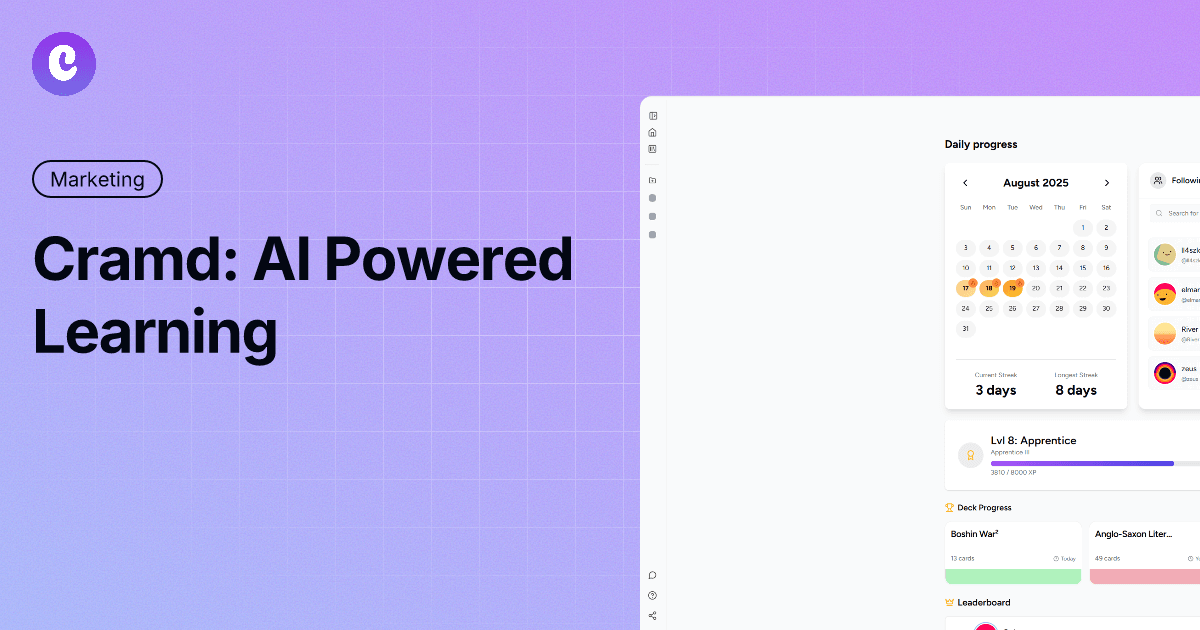
Cramd is built specifically for students who want to turn any source material into study-ready flashcards in seconds. Upload a PDF, paste text, snap a photo of your notes, or drop in a YouTube link, Cramd's AI flashcard generator handles the rest, producing high-quality cards with built-in spaced repetition.
What sets Cramd apart as an ai flashcard maker free option is the depth of its free tier. You're not getting 10 cards and a paywall, you get a genuinely functional study platform. The free AI PDF summarizer alone can transform a 40-page reading into a focused set of flashcards you can actually review.
Key features:
- AI-generated flashcards from PDFs, images, text, and video
- Spaced repetition built into every deck, cards resurface based on what you struggle with
- Quiz mode for active recall practice
- Import existing Quizlet sets and keep studying with better AI
- Browse community decks across subjects
"I used to spend 2 hours making flashcards before an exam. Now I upload my notes and Cramd does it in 30 seconds." — Student review
Best for: Any student with dense reading, lecture notes, or PDFs who wants to study smarter with active recall studying.
→ Try Cramd's free AI flashcard generator
2. NotebookLM — Best Free AI Note Organizer
Google's NotebookLM is the most impressive free AI study tool most students haven't heard of. You upload your documents, textbooks, lecture slides, research papers, and it becomes a personal AI that knows your specific course material.
Ask it questions about your docs, get auto-generated study guides, and (uniquely) turn your notes into a listenable podcast. The free tier has almost no meaningful limits for typical student use.
Key features:
- Upload up to 50 sources per notebook
- AI answers questions using only your uploaded material, no hallucinations from outside sources
- Audio Overview mode generates a conversational podcast from your notes
- Auto-generates study guides, FAQs, and briefing documents
Best for: Research-heavy courses, literature reviews, or anyone who learns better by listening.
3. Quizlet — Best Free Flashcard App for Quick Review
Quizlet has been a student staple for years, and its AI upgrades have made it even more powerful. While its best AI features (like Learn mode) are now paid, the free tier remains one of the fastest ways to find and review existing flashcard sets for almost any subject.
The free tier allows you to create your own basic flashcards and access hundreds of millions of user-generated sets, saving you hours of creation time. If you just need a quick review tool without paying, Quizlet is still a solid choice.
Key features:
- Massive library of existing study sets across every subject
- Basic flashcard creation and review
- Simple, beginner-friendly interface built for speed
Best for: Students who want a quick, reliable flashcard experience and prefer using pre-made community decks.
→ See also: Import Quizlet flashcards to Cramd for smarter spaced repetition
4. ChatGPT — Best Free AI Study Assistant for Concept Explanations
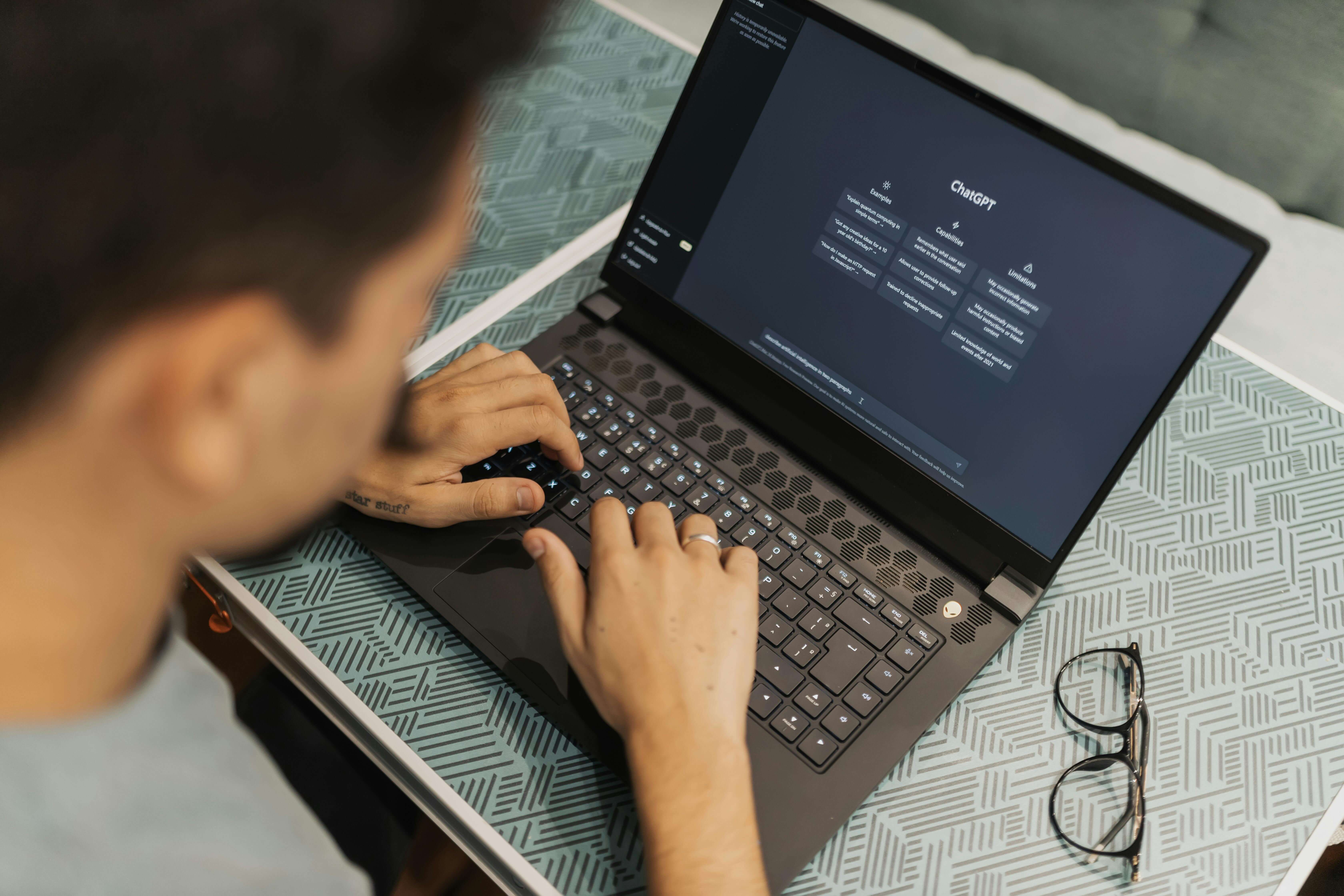
ChatGPT remains the Swiss Army knife of free AI study tools. The free tier (GPT-4o mini) is more than capable for explaining confusing concepts, quizzing you on material, summarizing short texts, and brainstorming essay structures.
The key is knowing how to use it. Ask it to explain something like you're a beginner, generate practice exam questions, or argue the counterpoint on an essay thesis. It's a study partner that never runs out of patience.
Key features:
- Concept explanations at any complexity level
- Practice question generation from any topic
- Essay outlining and argument development
- Step-by-step problem solving for math and science
Best for: Students who need a tireless explainer for complex topics or essay development support.
5. Perplexity AI — Best Free Research Tool with Cited Sources
Perplexity is what search engines should have been. Ask it any academic question and it returns a clear answer with cited sources, not a list of links to click through. For research and fact-checking, it's become a go-to free study tool for students who need trustworthy sourcing.
The free tier includes 5 "Pro" searches per day (with deeper research) and unlimited standard searches. For most students, that's plenty.
Key features:
- Every answer comes with cited, clickable sources
- Follow-up questions maintain context within the thread
- Focus modes for Academic, YouTube, and Reddit searches
Best for: Research papers, fact-checking, and finding credible sources fast.
6. Grammarly — Best Free AI Writing Aid
Grammarly's free tier catches the basics of grammar, spelling, punctuation, and basic clarity issues. For students writing essays and reports, it's a useful last pass before submitting.
Just know the limits: the free plan doesn't include plagiarism detection, advanced clarity rewrites, or citation checking. For those, you'll need to upgrade. Still, as a free study tool for polishing written work, it does the job.
Key features:
- Real-time grammar and spelling corrections
- Tone detection (formal vs. casual)
- Basic clarity and conciseness suggestions
Best for: Quick grammar checks on essays, emails to professors, and short-form writing.
7. QuillBot — Best Free AI Paraphrasing Tool
QuillBot specializes in paraphrasing and summarization. The free tier lets you paraphrase up to 125 words at a time and run short texts through the summarizer; enough for quick paragraph rewrites or condensing a section of an article.
It's genuinely useful for rewriting your own notes in cleaner language or understanding a dense passage by simplifying it. Just don't expect to run full essays through it on the free plan.
Key features:
- 7 paraphrase modes (2 unlocked free: Standard and Fluency)
- Summarizer for articles and paragraphs
- Grammar checker included
Best for: Students who need to clean up note language or quickly simplify complex passages.
8. Brainscape — Best Free Flashcard App for Collaborative Learning
Brainscape's strength is its community library. Millions of pre-made flashcard decks from AP Biology to the MCAT — are free to browse and use. Active recall studying is baked into the platform's confidence-based repetition system.
The free tier limits access to the smarter spaced repetition algorithm and detailed analytics. But as a flashcard library and basic review tool, it earns its place on this list.
Key features:
- Millions of free community-made flashcard decks
- Confidence-based repetition (rate yourself 1–5 after each card)
- Available on web and mobile
Best for: Students who want to study from someone else's pre-made deck rather than building their own.
9. Otter.ai — Best Free AI Lecture Transcription Tool
Otter.ai transcribes lectures in real time. The free tier gives you 300 minutes of transcription per month which is roughly 10 one-hour lectures — plus basic AI summaries. For most students, that's a solid monthly allowance.
Paste the transcript into Cramd or NotebookLM afterward and you've got a complete pipeline from lecture to flashcards.
Key features:
- Real-time transcription via phone or desktop
- 300 free transcription minutes per month
- Auto-generated summary highlights
- Export transcripts as text for use in other tools
Best for: Students in lecture-heavy courses who struggle to take notes while listening.
10. Anki — Best Free Spaced Repetition App for Power Users

Anki is the gold standard for spaced repetition. The desktop app is completely free and one of the most research-backed study tools in existence. A landmark study in PNAS demonstrated that spaced repetition can dramatically improve long-term memory retention, exactly what Anki is built around.
The catch: Anki has a steep learning curve and an interface that looks like it was designed in 2008. It's powerful, not pretty. Once you get past the setup, it's one of the most effective free study tools available, especially for med students and language learners who need to memorize thousands of items.
Key features:
- Fully free on desktop (Windows, Mac, Linux) and Android
- One-time $24.99 iOS app purchase (AnkiMobile)
- Massive library of shared community decks
- Highly customizable: add images, audio, and code snippets
Best for: Motivated students willing to invest time in setup for maximum long-term retention.
11. Scholarly — Best Free All-in-One AI Study Platform
Scholarly packs a lot into its free tier: an AI tutor, flashcard generator, essay grader, and study timer. It's designed to be a single hub for AI-assisted studying rather than a specialist tool.
Free usage is metered, you get a set number of AI interactions per month, but for students who want to try AI-assisted studying without committing to a single tool, it's worth exploring.
Key features:
- AI tutor that answers questions on any subject
- Flashcard generator and practice tests
- Essay grader with improvement suggestions
- Built-in Pomodoro study timer
Best for: Students who want to experiment with multiple AI study features before settling on a dedicated tool.
12. Google Gemini — Best Free AI for Document Analysis
Gemini's free tier has improved significantly and now handles document Q&A, summarization, and concept explanation well. If you're already in the Google ecosystem (Docs, Drive, Gmail), the Gemini integration makes it easy to get AI assistance without switching tabs.
For students doing research with dense source material, Gemini pairs well with a text summarizer workflow, summarize first, then generate flashcards from the summary.
Key features:
- Upload PDFs and images for analysis in the free tier
- Gemini in Google Docs integrates directly with your writing
- Strong at summarizing long documents and explaining academic content
Best for: Students already using Google Workspace who want AI assistance without leaving their existing tools.
How Do You Maximize Free AI Study Tools Without Upgrading?
The biggest mistake students make is using too many tools at once. Research cited by the Journal of Educational Psychology consistently shows that retrieval practice, not passive re-reading, is what actually drives retention. Your free AI study stack should be built around that principle.
Stack Free Tools by Study Task
Rather than picking one tool and hoping it does everything, assign each tool a role in your workflow:
- Transcription: Otter.ai → captures your lecture
- Summarization: NotebookLM or Cramd's PDF summarizer → condenses the transcript
- Flashcards & active recall: Cramd → turns the summary into a reviewable deck
- Concept gaps: ChatGPT or Perplexity → fill in anything you don't understand
- Writing polish: Grammarly → final check before submission
That full pipeline is completely free. And it covers the entire study cycle from input to retention.
When Is It Actually Worth Upgrading?
Upgrading makes sense when you're hitting the same free-tier limit every week and losing study time working around it. If you're manually splitting PDFs to stay under a file size limit or rationing your AI queries, the cost of upgrading is probably worth less than the time you're wasting.
But for the majority of students, the free tiers listed above are enough to build a serious study routine. Start free, identify your bottleneck, then decide.
Are Free AI Study Tools Good Enough to Replace Paid Ones?
For most students: yes. Educause Review's research on AI in higher education notes that the core value of AI study tools, personalization, retrieval practice, and immediate feedback, can be delivered at the free tier. The paid features typically add convenience and scale, not fundamentally different capability.
The tools that offer the most value on free plans are the ones with sustainable business models: Cramd, NotebookLM (Google-backed), Anki (open source), and Quizlet. These aren't going to pull the rug out from under you.
Where paid plans genuinely earn their cost: if you're a medical student building 5,000+ flashcard decks, a grad student processing hundreds of research papers, or a professional learner on a deadline. In those cases, the limits of free tiers become real friction.
Bottom line: Build your free stack first. Upgrade only when a specific limit is costing you more time than the subscription costs money.
Start Studying Smarter — Without Spending More
You don't need to spend $20/month to study with AI. The 12 tools above are proof that the best free AI study tools in 2026 are genuinely capable, not just teaser versions of paid products.
The key takeaways: stack your tools by task (don't try to use one tool for everything), prioritize active recall over passive reading, and start with your biggest bottleneck, whether that's lecture notes, PDF overload, or poor retention.
If you want to put active recall studying on autopilot, Cramd's AI flashcard generator turns any file into a smart, spaced-repetition deck in under 30 seconds, and it's free to start. No credit card required.
→ Try Cramd free — turn your notes into flashcards instantly
Sources & Further Reading
- Pew Research — Teens and Artificial Intelligence (2024)
- UNESCO — Guidance for Generative AI in Education and Research
- Educause Review — The Future of AI in Higher Education
- PNAS — Spaced repetition and long-term memory retention
- Journal of Educational Psychology — Retrieval practice research
- Stanford HAI — AI and Education