TL;DR
- Do not make a two-hour rewatch your default study plan. Use the recording to locate what matters, then test yourself on it.
- Start with the transcript, slides, chapters, and timestamps so you can organize the lecture by topic instead of video order.
- Turn key ideas into a short summary, flashcards, and quiz questions. Rewatch only the parts that reveal a real gap.
- Check your course policy before uploading or sharing a lecture recording.
- Cramd can help you turn permitted lecture videos or YouTube links into study-ready summaries, flashcards, and quizzes.
Introduction
You missed a lecture, or maybe you attended but stopped understanding somewhere around minute 43. Now there is a two-hour recording waiting for you, and pressing play again feels like the only responsible move.
But a full rewatch often gives you the same problem twice: lots of listening with no way to check what you remember.
Learning how to study from recorded lectures without rewatching them is not about never using the video again. Find key topics, turn them into questions, test yourself, then return only to the explanations you need.
This workflow works whether you missed class, fell behind, or need exam review.
Why Rewatching Recorded Lectures Is Not a Study Plan
Recognition is not retrieval
When you hear your instructor explain a concept for the second time, it can feel familiar. Familiarity is useful, but it is not the same as being able to explain the concept on a test without the recording playing beside you.
The Dunlosky et al. learning techniques review rated practice testing and distributed practice as high-utility techniques. That is why a lecture needs to become questions, explanations, and practice, not just another viewing session.
If you are already trying to study without rereading notes, the same rule applies here: test yourself before you return to the source.
Rewatching can take more time than you think
A study comparing rewatching with retrieval practice found that learners spent much more time rewatching a class recording than doing retrieval practice. Time is not the only measure of learning, but it matters when several classes compete for the same evening.
The goal is not to rush through the recording. It is to stop giving equal time to parts you already understand and parts you do not.
A targeted rewatch can still help
Some moments need video. You may need to see a diagram being labeled, a chemistry problem being solved, or the context around a confusing comment.
That is a good reason to replay a timestamp. It is not a reason to start at minute zero every time you study.
How to Study From Recorded Lectures Without Rewatching Them
Step 1: Confirm that you can use the recording
Before you upload, download, copy, or share anything, check your course policy. Some instructors permit personal study use but do not allow recordings or transcripts to be shared, and some platforms have their own limits.
Use only materials you are allowed to process, and keep class content inside the permissions you have.
Step 2: Map the lecture with the transcript, slides, and timestamps
Open the recording with the slides, transcript, captions, or chapter markers if they are available. Scan for section headings, repeated terms, worked examples, and moments when your instructor signals importance.
Oxford's guide to using recorded lectures strategically recommends using transcript and slide navigation, bookmarking key moments, and summarizing in your own words. Your first job is to make a map, not perfect notes.
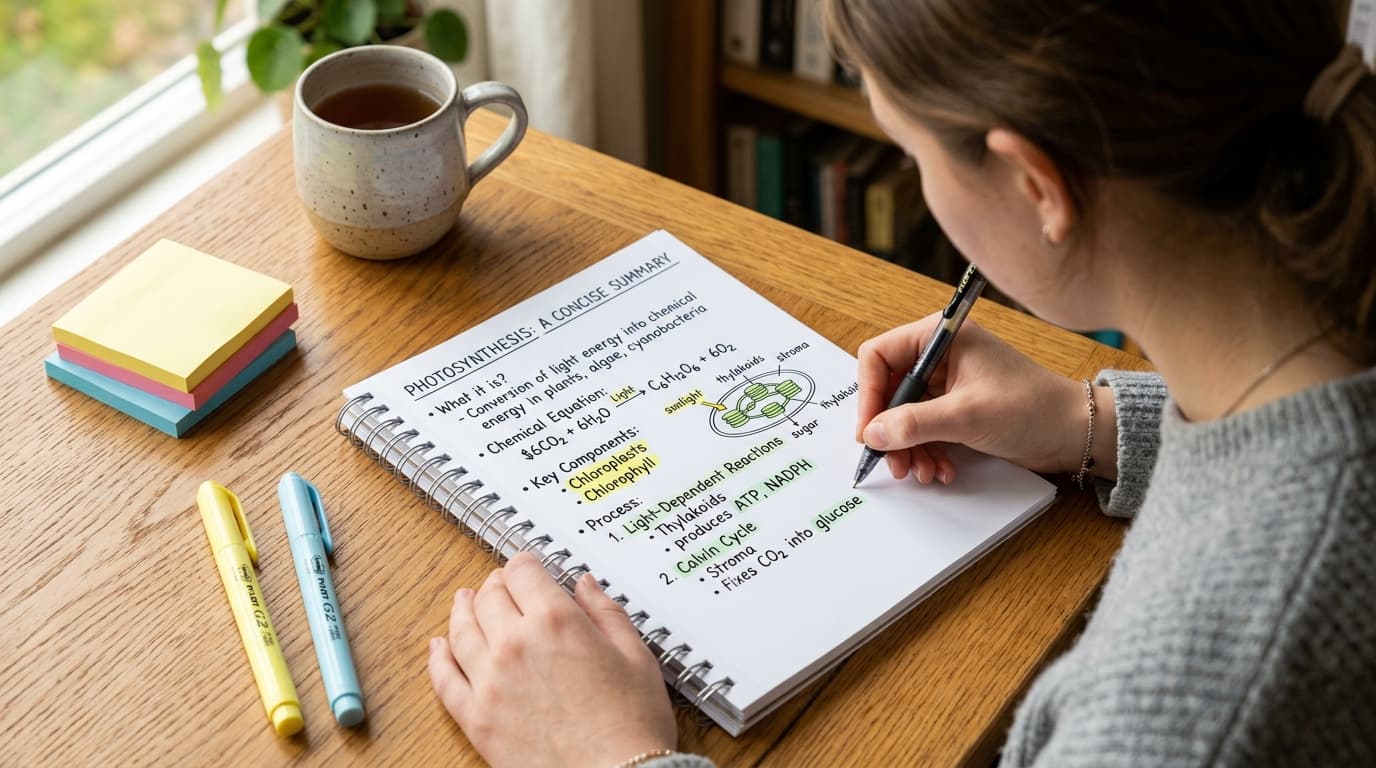
Step 3: Write a one-page topic summary
Organize the lecture by ideas, not by the order someone spoke. For each major topic, write the main claim, the example that makes it concrete, and anything you still cannot explain.
Keep it short. A one-page summary forces you to decide what the lecture was actually teaching instead of copying every sentence from the transcript.
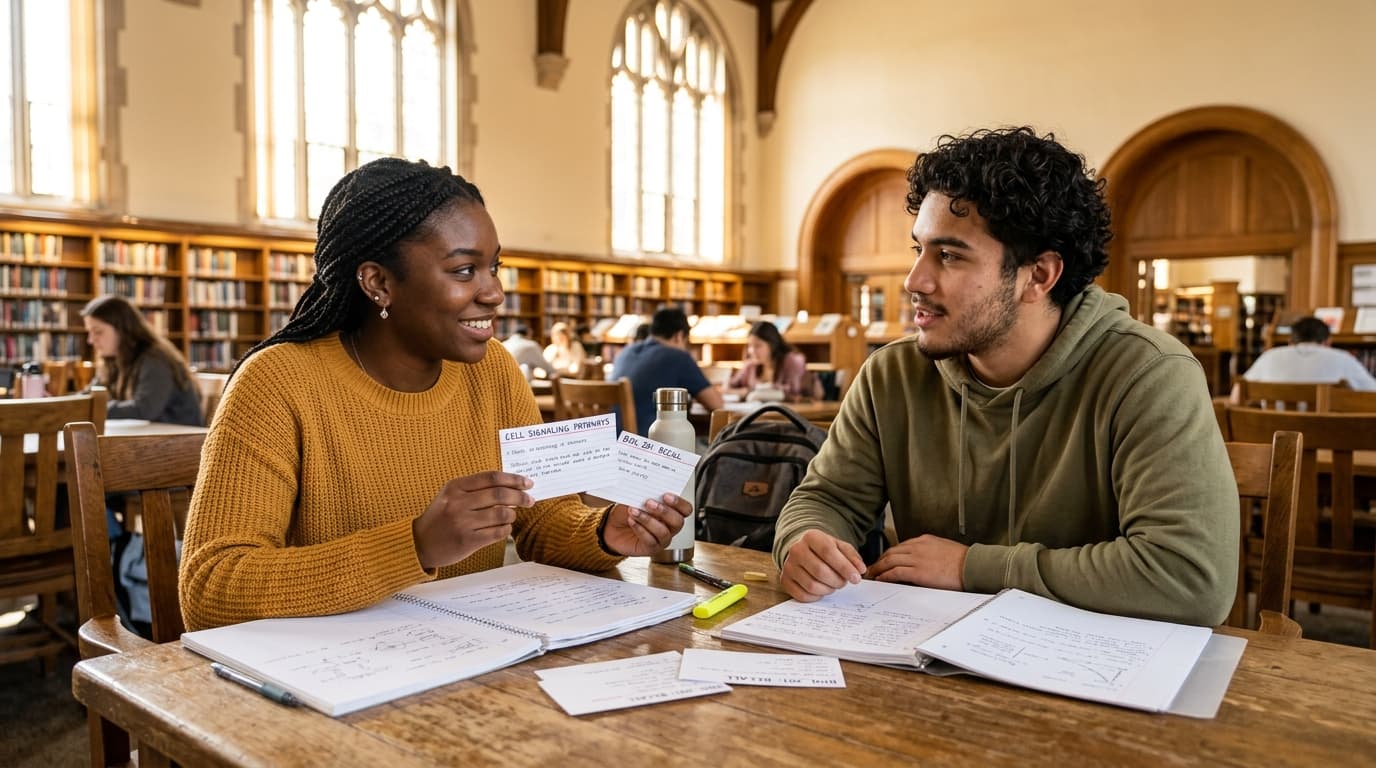
Step 4: Turn key moments into flashcards
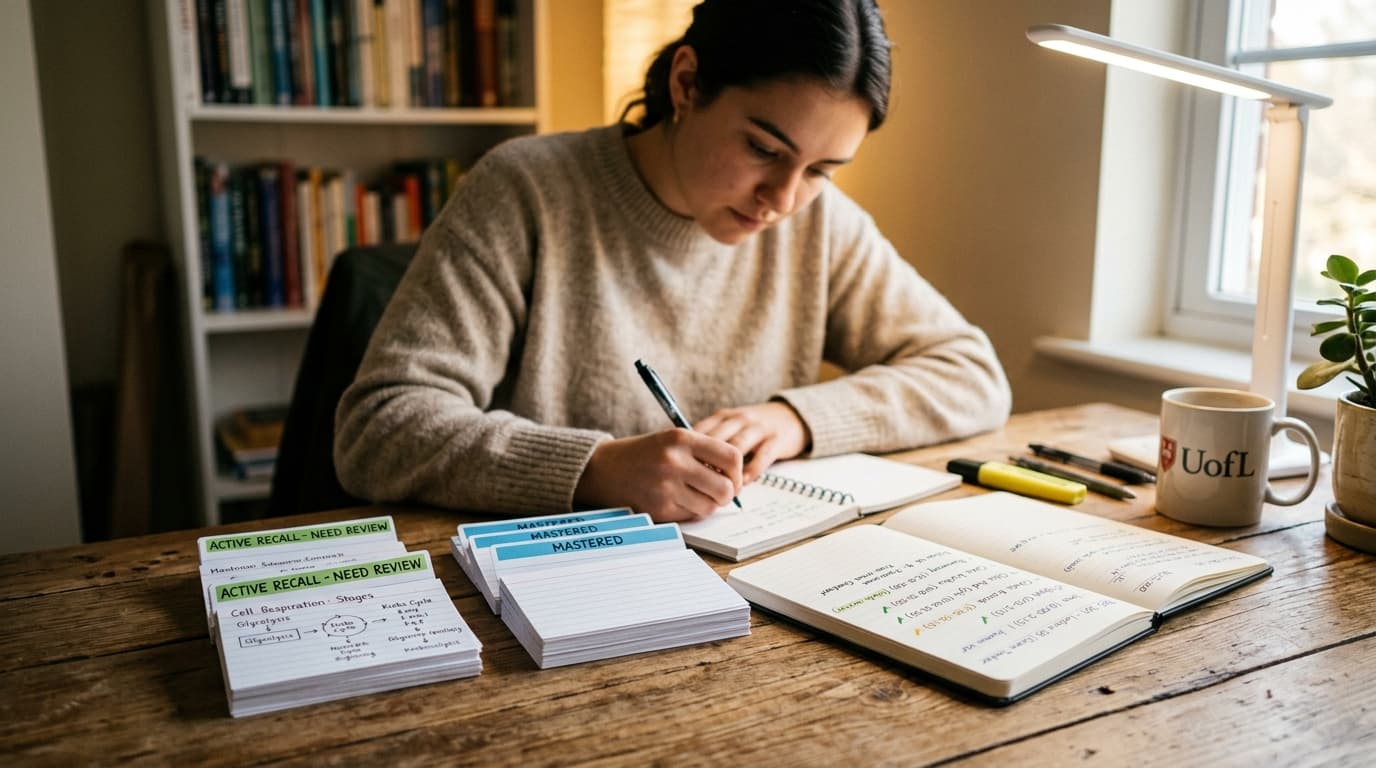
Definitions, processes, comparisons, formulas, diagrams, and worked examples make strong cards. Write prompts that make you produce an answer, such as "What causes X?" or "What is the next step in this process?"
You can also use an AI flashcard generator to create a first draft from permitted lecture material. Check every card against the slides or transcript and edit anything that is vague, inaccurate, or too broad.
Step 5: Make lecture video quiz questions
For every main topic, make one question that asks for an explanation and one that asks for an application. A psychology lecture might become "How does variable A affect variable B?" and "What would this theory predict in this example?"
Then answer without your notes. A study of retrieval questions in online lectures found that in-lecture quizzes can improve learning. Stopping to retrieve is part of studying, not an interruption to it.
Step 6: Rewatch only the timestamp tied to a gap
Missed a question about a graph? Replay the two minutes where the instructor explains that graph. Cannot recreate a worked calculation? Return to that example and solve it again before looking at the answer.
This is the useful kind of rewatching: short, specific, and connected to a question you could not answer.
Step 7: Space your review before the exam
Do not build a flashcard deck and abandon it. Review it across several days, mixing old lecture material with new material.
Use Cramd's spaced repetition guide to set a realistic review rhythm. Brief recall sessions now are much easier than a full lecture marathon the night before an exam.
A Recorded Lecture Study Workflow for Students
The recording is your source material. The study output should be something you can use without pressing play.
| Recording material | What to extract | Study output | When to revisit the video |
|---|---|---|---|
| Slide titles and chapters | Main topics | Study outline | When the topic order is unclear |
| Definitions and terms | Meaning and distinctions | Flashcards | When a card answer is incomplete |
| Worked examples and diagrams | Steps and relationships | Explain-from-memory prompt | When you cannot reproduce the method |
| Instructor emphasis and recap | Likely test points | Short quiz | When feedback shows a repeated gap |
If course rules allow it, upload the lecture video or paste a YouTube link into Cramd's video summarizer. Review the key points, turn the weak spots into flashcards, take a short quiz, and use your misses to decide which timestamps deserve another look.
That workflow puts AI in the setup role. You still do the part that makes learning stick: retrieving, explaining, and correcting yourself.
How to Study a Two-Hour Lecture When You Missed Class
If you missed the original class, you may need a first pass through more of the recording. Do not pretend a five-line summary can replace context you have never heard.
Start with the syllabus, assigned reading, slides, and lecture headings. Watch the opening, transitions, and recap sections for structure, then use transcript search and timestamps to move through each major topic.
Take brief topic notes as you go. Pause after each chunk and explain the idea in your own words before continuing. Oxford recommends breaking videos into smaller meaningful chunks when you hit confusion.
Once you have the context, switch from watching to recall. That is how to study a missed lecture recording without letting one absence turn into a week of passive catch-up.
Common Recorded Lecture Study Mistakes
Watching at 2x without checking understanding
Faster playback can save time for familiar material, but it is not automatically better studying. Slow down for technical vocabulary, diagrams, or worked examples, then test whether you can explain the idea with the video closed.
Taking transcript-like notes
Typing everything said in a lecture gives you a record, not necessarily a study tool. Replace copied sentences with questions, comparisons, and notes about what you did not understand. Imperial College's recorded-lecture guidance similarly advises active engagement and full attention.
Letting an AI summary replace recall practice
An AI summary can help you find the big ideas. It cannot tell you whether you can retrieve them on an exam.
Pair every summary with questions, flashcards, or a practice problem. That is active recall studying in practice.
Rewatching easy sections and avoiding confusing ones
Easy sections feel good because they move quickly. Hard sections are where your time has the most value.
Keep a miss list and revisit the timestamp only after you can name what you need from it: a definition, a step, an example, or an explanation.
When Should You Rewatch a Lecture?
Rewatch when you have a specific reason: you need to see a worked example, interpret a diagram, recover missed context, or resolve a question your notes cannot answer.
Do not rewatch just because the lecture feels familiar. Start with a recall check first. If you can explain the topic, solve the problem, or answer the question, move to the next weak spot.
That keeps lecture videos useful without turning them into background noise.
Conclusion
The best way to study recorded lectures is not to avoid the video completely. It is to stop treating the whole recording as the study session.
Map the lecture. Summarize the topics. Turn key moments into flashcards and quiz questions. Retrieve before you replay. Then return only to the timestamp that can fix a real gap.
Cramd can turn permitted lecture recordings and YouTube videos into summaries, flashcards, and quizzes, so your next session starts with practice instead of a two-hour progress bar.