You've highlighted your notes. You've re-read the chapter. You've watched the lecture twice. And then the exam hits, and half of what you "studied" just isn't there.
Here's the hard truth: passive studying is a terrible strategy. Research shows that without active review, students forget roughly 50% of material within 24 hours, and up to 90% within a week. That's not a you problem, that's just how memory works.
Flashcards fix this. When you create flashcards correctly and use them with the right strategy, you're not just reviewing, you're training your brain to retrieve information on demand. That's the skill that matters on test day.
This guide covers everything: how to create flashcards that actually stick, which types to use for different subjects, how to study them properly, and the best flashcard maker tools available in 2026. Whether you're building a set by hand or using an AI flashcard creator, you'll finish this guide knowing exactly what to do.
TL;DR
- Active recall is key: Rereading notes is passive. Flashcards force you to retrieve information from memory, which is proven by cognitive science to drastically improve retention (the "testing effect").
- One idea per card: Break down complex topics into individual cards so you get precise feedback. Never cram multiple concepts onto a single flashcard.
- Use questions, not just definitions: Include questions that require application, explanation, or comparison (not just rote memorization) to build deeper understanding.
- Go digital for scale: Paper works well for tactile learning, but digital flashcards scale better and automate spaced repetition to actively fight the "forgetting curve."
- Study with spaced repetition: Don't cram the night before. Review at increasing intervals. If you want a platform that handles this automatically, an AI flashcard maker like Cramd can turn your PDFs and notes into a study-ready deck in seconds.
What Is a Flashcard (and Why It Works So Well)?
A flashcard is a two-sided card: one side holds a prompt, a question, term, or concept, and the other holds the answer. That simple format is the whole point. It forces your brain to do the hard work of retrieving information rather than passively recognizing it.
The Science Behind Flashcards: Active Recall & the Testing Effect

The reason flashcards work isn't magic, it's cognitive science. Every time you flip a card and try to recall the answer before looking, you're triggering active recall: deliberately pulling information from memory rather than re-reading it.
In one of the most widely cited studies on retrieval practice, Roediger and Karpicke found that students who practiced active recall retained substantially more information after a one-week delay than students who spent the same time rereading their notes — with the gap growing larger the longer the delay. That's not a marginal difference, it's the difference between a B+ and a D.
This phenomenon is called the testing effect, and it's why active recall studying consistently outperforms passive review in study after study.
What the Forgetting Curve Tells Us About Memory
German psychologist Hermann Ebbinghaus mapped out how quickly we forget new information and it's brutal. His forgetting curve shows that memory degrades sharply in the first 24–72 hours after learning, then levels off.
Studies confirm that people forget around 50% of new material within 24 hours, and close to 90% within a week unless they revisit it. Flashcards used with spaced repetition directly fight this curve by reviewing material just before you forget it, reinforcing the memory and extending how long it lasts.
How to Create Flashcards the Right Way
Most students make flashcards wrong. They cram too much onto a single card, write definitions verbatim from the textbook, and flip through the deck passively without actually testing themselves. Here's how to do it better.
The One-Idea-Per-Card Rule
This is the most important rule of good flashcard design: one concept per card, always.
If you're studying the mitochondria, don't write "What is the mitochondria, what does it do, and why is it important?" all on one card. Break it into three separate cards. According to Structural Learning's breakdown of the testing effect, each card should tackle a single idea — a date paired with an event, a diagram paired with its label, a term paired with its definition.
When cards are focused, you get precise feedback: you either know it or you don't. Cluttered cards create false confidence and muddy results.
Use Questions, Not Just Definitions
Definitions have their place, but the most effective flashcards push further. University of Michigan research found that students who used a method called "Flashcards-Plus" which adds a layer of personal application and conceptual questions on top of standard definitions scored significantly higher on exams than students using traditional flashcard methods.
Instead of: "Photosynthesis - definition" Try: "Why can't animals perform photosynthesis?" or "What would happen if the Calvin cycle stopped?"
Questions that require explanation, comparison, or application build deeper understanding, not just surface-level recall.
Add Images, Diagrams, and Mnemonics
For subjects like anatomy, geography, or chemistry, visual cards are far more effective than text-only cards. Draw an unlabeled diagram on the front, and label it on the back. Add a mnemonic on one side to help recall a list on the other.
A good flashcard creator tool especially an AI-powered one will let you embed images and generate visual prompts automatically, cutting down the time you spend on card design and letting you focus on learning.
What Types of Flashcards Should You Make?
Not all subjects call for the same card format. Matching your card type to your subject makes a big difference.
Definition Cards
Best for: vocabulary, biology terms, historical figures, legal concepts.
Front: "What is osmosis?" Back: "The movement of water molecules through a semi-permeable membrane from an area of low solute concentration to an area of high solute concentration."
Question-Answer Cards
Best for: history, social sciences, and conceptual subjects where context matters.
Front: "What triggered the 1929 stock market crash?" Back: Two to three bullet points with the core reasons.
According to Immerse Education's guide on effective flashcard creation, mixing card types based on your subject keeps study sessions fresh and keeps the challenge calibrated to what you're actually learning.
Formula & Visual Cards
Best for: STEM subjects, chemistry, physics, math, anatomy.
Front: Unlabeled diagram of the human heart. Back: Labeled with all four chambers and blood flow directions.
Or for math, the formula name on the front, the equation plus a worked example on the back. Never just the raw formula alone, you need the context of how it's applied.
How Do You Use a Flashcard Maker Effectively?
Digital Flashcards vs Paper — Which Is Better?
Both work. The right answer depends on your situation.
Paper flashcards are great for tactile learners, for short decks, and for subjects where drawing by hand helps you process the material. The act of writing a card out by hand is itself a form of retrieval practice, many students find that card creation alone improves their understanding before they even start studying the deck.
Digital flashcards and a dedicated flashcards maker app win on almost everything else: portability, scale, built-in spaced repetition, progress tracking, and the ability to add images and audio. If you're managing 200+ cards across multiple subjects, paper becomes impractical fast.
An AI flashcard maker like Cramd takes this further, it can generate entire decks from your notes, PDFs, or lecture slides in seconds, so you can spend your time studying instead of transcribing.
How Many Flashcards Should You Make Per Topic?
There's no magic number. A good rule of thumb: aim for one card per distinct piece of information you'd be tested on. For a typical college exam covering two weeks of lectures, that's often 50–150 cards depending on the subject.
Don't pad your deck with obvious facts you already know cold, and don't lump everything into giant cards to "save time." Focused, well-scoped decks are faster to study and more accurate at revealing your weak spots.
How to Study Your Flashcards (Not Just Make Them)
Making cards is only half the job. How you study them matters just as much.
Spaced Repetition: The Secret Weapon
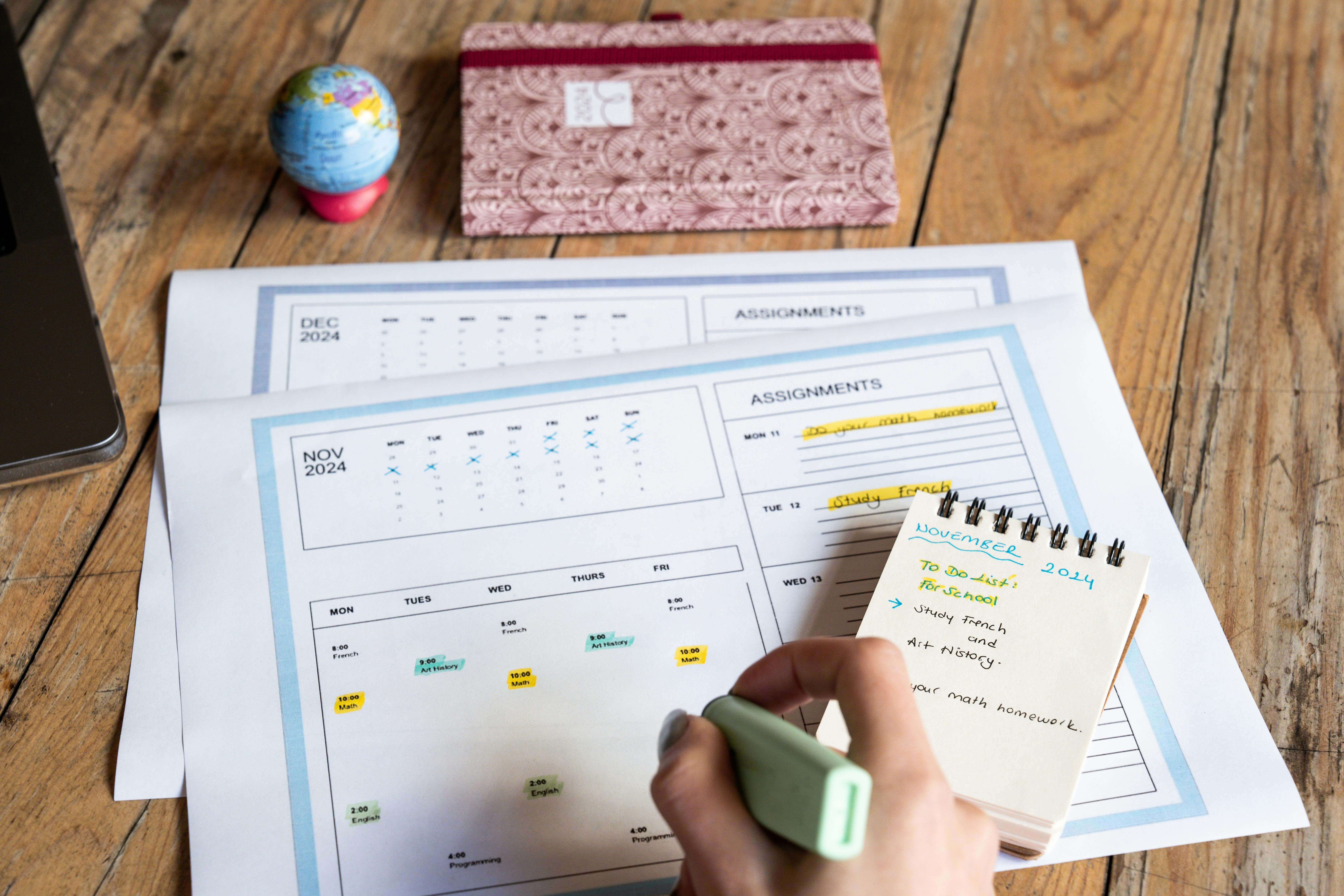
The biggest mistake students make is running through their deck once the night before the exam and calling it studying. That's just glorified re-reading.
Spaced repetition means reviewing cards at increasing intervals: once after one day, again after three days, again after seven, and so on. Each time you successfully recall a card, the interval before the next review gets longer. Cards you struggle with come back sooner.
This approach is validated by extensive research. Students using spaced repetition software scored 6.2 to 10.7% higher on standardized exams compared to those using conventional study methods. That's not a rounding error — that can be the difference between letter grades. It is widely considered the best flashcard study method available to students today.
Most digital flashcard maker apps and flashcard creator tools include built-in spaced repetition algorithms that handle the scheduling for you automatically.
The Leitner Box Method
If you're using physical cards, the Leitner Box system is the low-tech equivalent of spaced repetition. Sort your deck into three piles:
- Box 1: Cards you keep getting wrong — review daily.
- Box 2: Cards you sometimes get right — review every 2–3 days.
- Box 3: Cards you consistently nail — review once a week.
Every time you answer a card correctly, it moves up a box. Every time you get one wrong, it drops back to Box 1. This way, your study time automatically focuses on what you haven't mastered yet.
The system is simple, but it works, it's just manual spaced repetition.
The Best AI Flashcard Creator in 2026
What Makes an AI Flashcard Maker Worth Using?
A solid AI flashcard generator should do more than spit out basic Q&A pairs. The best tools:
- Generate cards directly from your source material: notes, PDFs, lecture slides, even images. You shouldn't have to manually copy anything.
- Apply smart formatting: questions on the front, clear answers on the back, broken down by concept, not just paragraph chunks.
- Include spaced repetition: so studying happens at the intervals that maximize long-term retention.
- Work across subjects: whether you're in med school, prepping for the SAT, or using flashcards for studying a new language.
If a tool just reformats your notes into bullet points and calls them flashcards, it's not really an AI flashcard creator, it's a reformatter.
Why Cramd Is the Flashcard Creator Students Actually Use
Cramd's AI flashcard generator was built specifically for students who need to move fast and retain a lot. Upload your lecture notes, a PDF, or even a photo of your textbook, Cramd turns it into a full, study-ready deck in under 30 seconds.
Need to work through a dense paper? The PDF-to-flashcard tool pulls out the key concepts and structures them into clean, testable cards automatically. No more spending an hour manually transcribing terms before you've even started studying.
Cramd's cards are built around active recall, every card is a prompt, not a passage. And the adaptive learning system ensures you spend time on cards you don't know, not the ones you already have cold.
If you're looking for a free flashcard maker that's actually built on learning science, Cramd is the place to start.
Start Studying Smarter Today
Here's what you've learned: flashcards work because they force active recall, not passive review. The best cards are focused, question-based, and matched to your subject. And the students who actually retain information long-term aren't the ones who make the most cards — they're the ones who study with spaced repetition.
Three things to walk away with:
- One idea per card. Always. No exceptions.
- Study with spaced repetition. Don't marathon your deck the night before.
- Use questions, not just definitions. Your brain learns by doing, not by reading.
Ready to put this into practice without spending hours making cards by hand?
Try Cramd's AI flashcard generator free → — paste your notes, upload a PDF, and have a full study deck ready in seconds.
Frequently Asked Questions (FAQ)
Related reading: