
You've got an exam coming up. You sit down to study and face the classic question: do you grab a stack of index cards and a pen, or do you pull up a digital flash card app?
Both methods have been used by students for decades (or in the digital version's case, at least the past two). Both can work. But "which is better" depends on how your brain learns, what subject you're studying, and honestly, how much friction you're willing to tolerate.
This post breaks down physical flash cards vs. digital flash cards side by side so you can make a smarter call and actually retain what you study.
TL;DR
- Physical flash cards are best for handwriting-driven memory encoding and small, simple sets of facts.
- Digital flash cards win on long-term retention thanks to spaced repetition and the ability to manage huge amounts of information.
- The science says: The best method is whichever one you use consistently for active recall.
- The hybrid approach: Write your first draft by hand to learn, then move to a digital app like Cramd for efficient, automated review sessions.
The Case for Physical Flash Cards
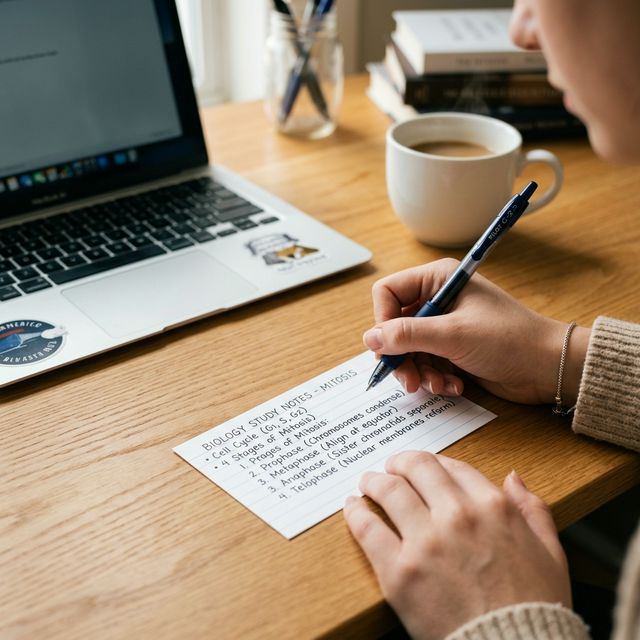
There's a reason students have been scribbling on index cards since long before smartphones existed. Physical flash cards work, and there's real science behind why.
Handwriting Boosts Memory Encoding
Writing by hand forces your brain to process information more deeply than typing does. Research published in Psychological Science found that students who took notes by hand retained conceptual information significantly better than those who typed. When you physically write out a flash card, you're doing a first pass of active recall before you've even started reviewing.
No Distractions, No Battery
A stack of index cards doesn't ping you with notifications. It doesn't die mid-study session. For students who struggle with phone-related distractions, physical flash cards remove a major obstacle. You sit down, you study, you're done.
Great for Tactile and Visual Learners
Some students genuinely absorb information better when they can hold something, shuffle it, sort it into piles, and physically move cards from "don't know" to "got it." That kinesthetic element isn't just a learning-style myth. The physical act of sorting creates a concrete feedback loop that digital interfaces can't fully replicate.
When Physical Flash Cards Make the Most Sense
Physical flash cards are ideal when you're studying a small set of facts (think vocabulary, formulas, or definitions), when you're in a low-tech environment, or when you're working with younger learners who benefit from hands-on materials.
The Case for Digital Flash Cards
Digital flash cards have one massive advantage over their paper counterparts: they can be programmed to work with how your memory actually functions.
Spaced Repetition Changes the Game
The biggest argument for digital flash cards is spaced repetition. This is a study technique where cards you struggle with come up more often, and cards you've mastered get shown less frequently over time. Research covered by PLOS ONE confirms that spaced repetition significantly outperforms traditional study methods for long-term retention. No paper flash card system can do this automatically. A digital flash card maker can.
Study Anywhere, Anytime
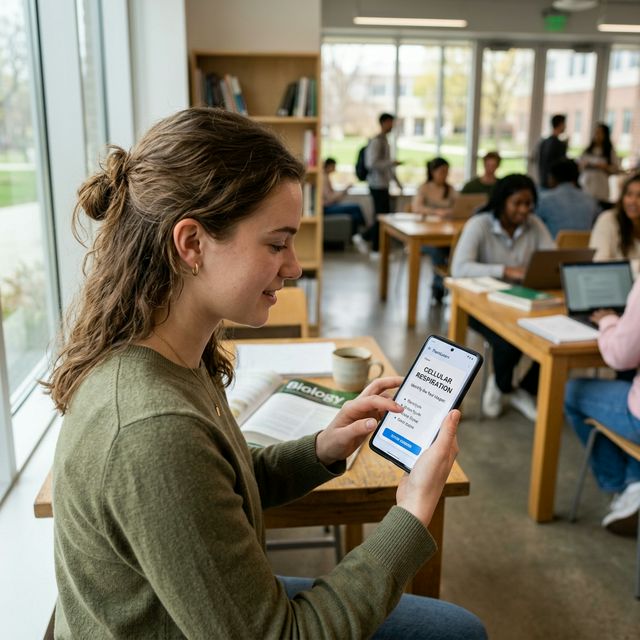
Your phone is already in your pocket. A digital deck is always with you whether you're on the bus, waiting in line, or squeezing in five minutes between classes. That kind of micro-studying adds up fast.
Multimedia and Customization
Digital flash cards let you add images, color-code by topic, include audio for language learning, and format complex equations properly. Trying to draw a detailed anatomy diagram on a 3x5 index card is a painful exercise. On a digital platform, you upload the image in seconds.
Shareable and Collaborative
You can share a digital deck with your whole study group in one link. Your classmates can study from the same set, add cards, and flag mistakes. That collaborative layer doesn't exist with a stack of paper cards sitting on your desk.
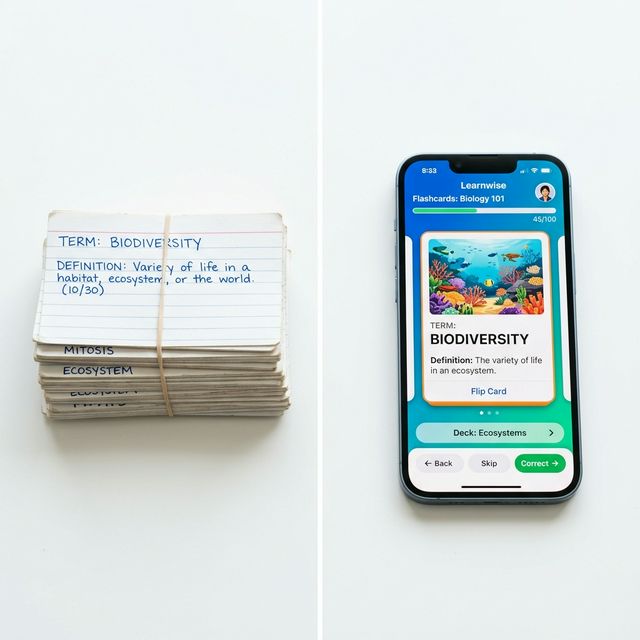
Head-to-Head: Physical vs. Digital Flash Cards
| Criteria | Physical Flash Cards | Digital Flash Cards |
|---|---|---|
| Cost | Low (index cards are cheap) | Free to low cost (many apps are free) |
| Portability | Bulky for large sets | Study from any device, anywhere |
| Retention Support | Good (handwriting helps encoding) | Excellent (spaced repetition optimizes review) |
| Customization | Limited to what you can draw or write | Images, audio, color, formatting |
| Collaboration | Not practical | Easy to share and study together |
| Ease of Making | Time-consuming by hand | Fast, especially with an AI flash card maker |
What Does the Research Actually Say?
The science of learning points in a clear direction: the method that wins is the one that uses active recall and spaced repetition consistently.
Active recall means testing yourself instead of passively re-reading. Both physical and digital flash cards support this because you're forced to retrieve an answer before flipping the card. According to The Learning Scientists, retrieval practice is one of the most effective study strategies, far outperforming highlight-and-reread approaches.
Where digital flash cards pull ahead is in the spaced repetition layer. Harvard Medical School's neuroscience resources on memory explain that memories are strengthened when they're recalled just before you'd naturally forget them. Manually scheduling that timing with paper cards is nearly impossible. Digital systems handle it automatically.
If you want to understand more about how these techniques work together, the Cramd blog has a detailed breakdown of the power of active recall and a full guide to mastering spaced repetition worth reading before your next exam.
When Should You Use Physical Flash Cards?
Physical flash cards are the right call in these situations:
You're studying a small, contained topic. If you only need 20 to 30 cards, the setup time is manageable and the tactile benefit is worth it.
You're a handwriting learner. If writing things out helps them stick, physical cards give you that encoding boost that typing misses.
You don't have reliable access to devices or the internet. Physical cards work everywhere, no signal required.
You're working with kids or in a classroom setting. Physical cards are great for group activities, sorting games, and interactive lessons where digital screens would be a distraction.
When Should You Use Digital Flash Cards?
Digital flash cards are the better choice in most modern study scenarios.
You have a large deck to manage. Once you get past 50 or 100 cards, physical organization becomes a nightmare. Digital platforms keep everything sorted and searchable.
You're studying long-term for a cumulative exam. If you're prepping for the MCAT, a licensing exam, or finals week across multiple subjects, you need spaced repetition. Digital flash cards give you that automatically.
You want to study efficiently, not just study more. It's not about grinding more hours. It's about reviewing the right material at the right time. A digital flash card system does that math for you.
You're sharing materials with classmates. One shared digital deck is infinitely more practical than photocopying a stack of index cards.
For a deeper look at building smarter study habits around these tools, check out Cramd's guide on building effective study habits with digital tools.
Is There a Way to Get the Best of Both?
Yes, and it comes down to how you make your flash cards in the first place.
The handwriting benefit is mostly about the process of creating and encoding the card. Once you've got a solid set, digital review is more efficient. So a hybrid approach works well: draft your cards by hand during lecture or reading, then transfer them into a digital platform for review.
Or, skip the tedious transfer step entirely and use an AI flash card maker that does the heavy lifting for you.
How to Make Flash Cards That Actually Work
Regardless of format, a flash card is only as good as how it's written. Here are the principles that matter.
One Concept Per Card
Cramming multiple facts onto a single card defeats the purpose. Each card should test one discrete idea. If you need more than one sentence on the front, you probably need two cards.
Write in Your Own Words
Don't copy text from your notes verbatim. Restating information in your own words is its own form of active recall. It also means you'll actually understand the card when you see it again.
Use Images When They Help
For anatomy, chemistry, geography, or any visual subject, adding an image to a flash card dramatically increases how memorable it is. Digital flash card platforms make this effortless.
Keep Review Sessions Short and Consistent
Twenty minutes of daily review beats three hours the night before every time. Short, consistent sessions are what spaced repetition is designed for. If you want to go deeper on this, NPR's education reporting on retrieval-based learning explains why short testing sessions outperform marathon study blocks.
For a full breakdown of what makes flash cards effective, the Cramd post on how to make effective flashcards is a solid read.
What Is the Best Flash Card App for Students?
The best flash card app is the one that combines spaced repetition with ease of creation. You shouldn't spend more time making cards than reviewing them.
Cramd's AI flashcard generator lets you turn your notes, PDFs, or any text into a ready-to-study digital deck in seconds. It uses adaptive learning to surface the cards you need most, so you're always spending review time where it counts. You can also browse public decks that other students have already built, which means you're not starting from scratch.
The Verdict: Which Is Better?
For most students, most of the time, digital flash cards win on efficiency, retention, and flexibility. Spaced repetition alone makes a significant difference for long-term memory, and that's only possible with a digital system.
That said, physical flash cards still have a real place, especially when you're encoding new material for the first time, when you need a distraction-free environment, or when you're working with a small set of facts that don't require ongoing review.
The best strategy is to use each format where it's strongest, and let a good AI flash card maker handle the rest.
If you want to put active recall and spaced repetition on autopilot, Cramd's AI flashcard generator builds your deck from any notes or PDF in under a minute. Try it free at trycramd.com and see how fast studying can actually feel.
Sources & Further Reading
- Psychological Science — handwriting vs. typing retention
- PLOS ONE — spaced repetition meta-analysis
- The Learning Scientists — retrieval practice
- Harvard Medical School — memory consolidation
- NPR Education — retrieval-based learning