
TL;DR
- Yes, ChatGPT can create flashcards. Paste your notes, give it a clear prompt, and it outputs Q&A pairs you can study directly or import into apps like Anki and Quizlet.
- ChatGPT is not the only option. Purpose-built tools like Cramd, Revisely, and Brainscape generate flashcards faster, handle PDFs and lecture slides natively, and skip the manual copy-paste step.
- The prompt matters. Vague requests produce vague cards. Specific prompts — specifying format, card count, and subject — produce far better results.
- For Anki users, there's a clear workflow. Ask ChatGPT to output cards as CSV with Q: / A: formatting, then import the file directly into Anki. No manual entry needed.
- AI-generated cards still need a human pass. Research shows AI occasionally gets details wrong or oversimplifies. A quick review before studying protects your learning.
Introduction
Students have been making flashcards for decades. The process has always been the same: read a chapter, decide what matters, write it on a card, repeat. It works. It is also slow.
AI changes that equation. Tools like ChatGPT can turn a block of notes into a full deck of study cards in under a minute. The question most students are actually asking is not can AI do this — it is how well, which tool, and what does the workflow actually look like.
This guide answers all of that. You will learn exactly how ChatGPT handles flashcard creation, which prompts get the best results, how to pipe those cards into Anki, and when a dedicated AI study tool beats ChatGPT entirely.
Can ChatGPT Create Flashcards?
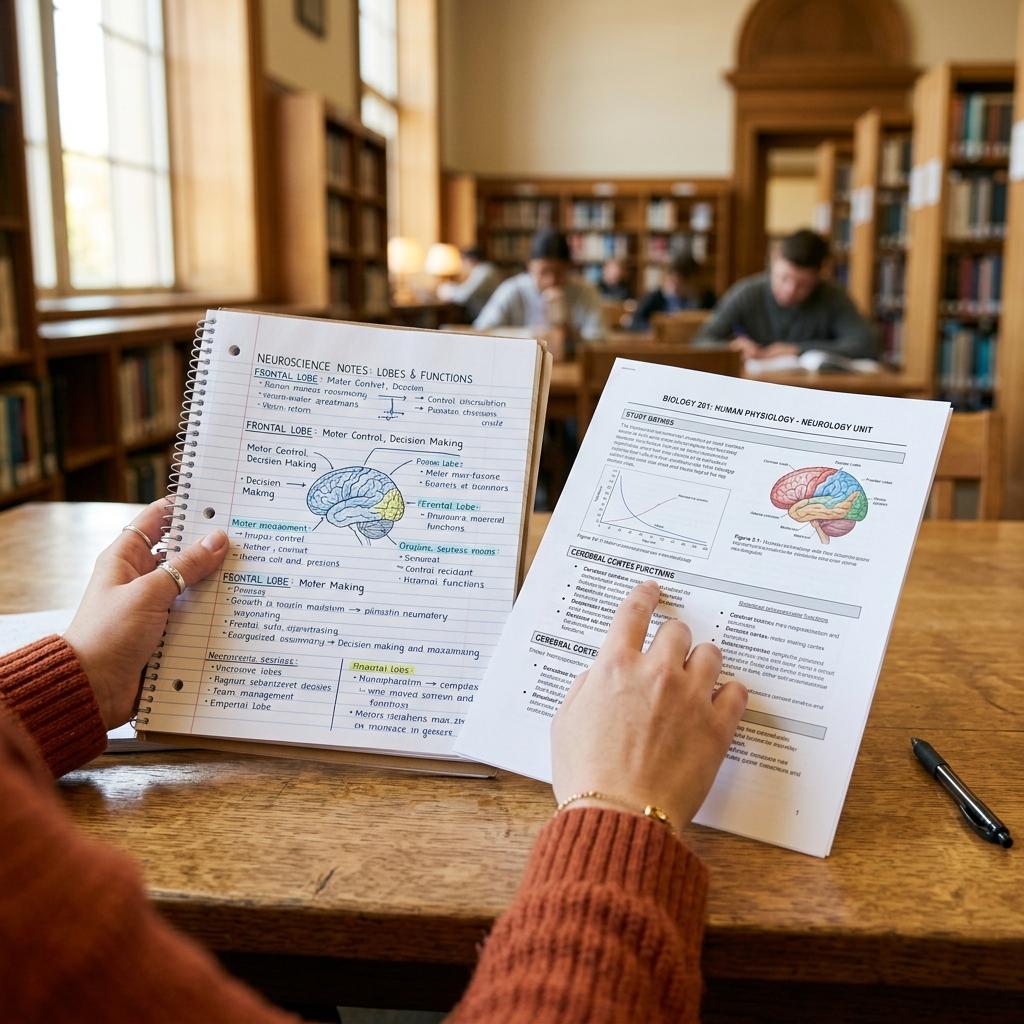
Yes. ChatGPT can generate flashcards from almost any input: raw notes, a pasted paragraph, a textbook excerpt, or a topic you describe from scratch. It reads the material and produces question-and-answer pairs suited to whatever subject you give it.
The quality depends on how specific your prompt is. Ask ChatGPT to "make flashcards about the Civil War" and you get a broad, surface-level deck. Ask it to "create 20 flashcards covering the causes, key battles, and outcomes of the American Civil War, formatted as Q: / A: pairs, with one fact per card" and the results are sharper, more testable, and more useful for actual studying.
ChatGPT also handles different card types. Standard Q&A cards are the default. Cloze deletions — where a key term is blanked out mid-sentence — are possible if you specify the format. Definition cards, formula cards, and true/false cards are all within reach.
One limitation worth knowing: ChatGPT's free tier does not natively export to Anki or Quizlet. It generates text. Getting that text into a flashcard app requires an extra step, covered below.
Which AI Tools Can Generate Flashcards?
ChatGPT is the most widely known option, but it is far from the only one. The AI flashcard space has grown quickly, and different tools serve different workflows.
Cramd Built specifically for students. Cramd's AI flashcard generator turns your notes, PDFs, and lecture slides into a study deck without copy-paste workarounds. It handles the structure automatically so you can go from uploaded material to ready-to-study cards in seconds. If you study from documents rather than typed notes, Cramd removes significant friction from the process.
ChatGPT (OpenAI) The generalist. Works for any subject, handles custom formats on request, and now includes a native Study and Learn mode with built-in flashcard quizzes as of 2025. Best when you want full control over the prompt and output format.
Brainscape Uses ChatGPT under the hood to generate and refine cards within its platform. You can paste or upload content, let AI produce the deck, and review cards before they go live in your study session. Free accounts have daily limits.
Revisely Transforms notes, PDFs, PowerPoints, and photos into flashcards automatically. Supports export to Anki and other platforms. Exam mode with AI-powered personalized feedback is also available.
Anki + Custom GPT Workflows For power users, the Anki ecosystem includes community-built GPT integrations. Tools like AnkiX and Anki Wizard in the GPT Store create cloze deletion cards with tags and spaced-repetition formatting directly inside ChatGPT.
SuperMemo The SuperMemo blog lays out a workflow where you generate flashcards in ChatGPT or another LLM, then paste them into SuperMemo to study with their spaced-repetition algorithm. Free tier allows up to 10 courses with 1,000 cards each.
The right tool depends on where your study materials live. If everything is in your head or typed out, ChatGPT works fine. If you study from PDFs, slides, or uploaded documents, a dedicated tool like Cramd or Revisely will save you significant time. For a broader look at where AI-powered study tools are heading, the future of AI flashcards and learning is worth a read.
How to Use ChatGPT to Make Flashcards
The process is straightforward. Here is what actually works.
Step 1: Prepare Your Input
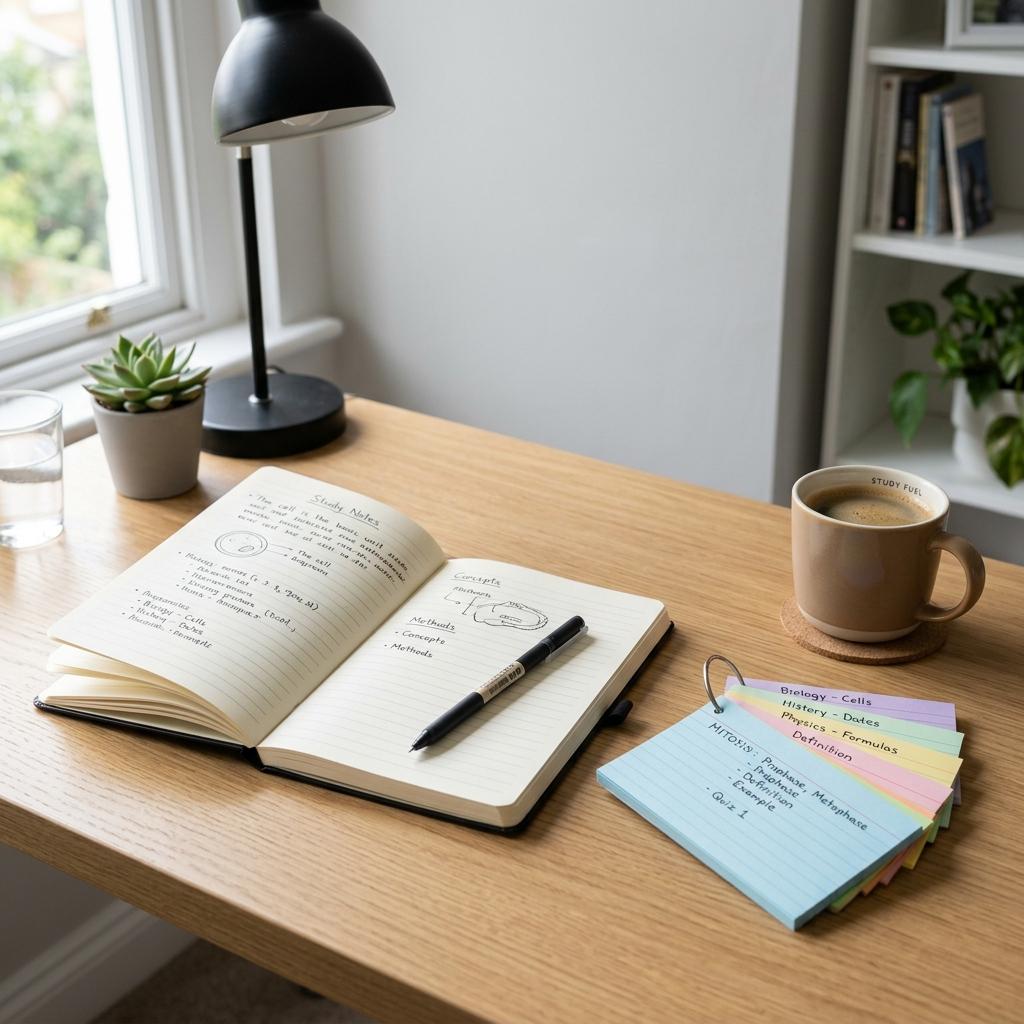
Give ChatGPT something concrete to work with. A pasted paragraph, a list of topics, your own notes, or a set of concepts you need to memorize all work. The more specific the input, the more targeted the output.
Vague input:
"Make flashcards about biology."
Specific input:
"Here are my notes on cellular respiration. Create 15 flashcards covering the key steps, molecules involved, and energy outputs. Use Q: / A: format with one fact per card."
The second prompt produces cards you can actually study from.
Step 2: Specify the Format
ChatGPT defaults to prose if you do not tell it otherwise. If you want structured cards, ask for them explicitly. Useful format instructions include:
Q: / A: format, one fact per cardCloze deletion format using {{c1::}} bracketsCSV format: front, back — one card per lineLimit answers to 30 words or fewer
Step 3: Request a Specific Card Count
Ask for 10, 20, or 30 cards. Without a number, ChatGPT tends to produce too few or pad the deck with redundant cards.
Step 4: Review Before Studying
Research from the MemoForge team's 2025 comparison of Claude and ChatGPT for Anki cards found that both AI tools occasionally get details wrong or oversimplify mechanisms. Neither should be trusted without a read-through. Treat AI output as a draft, not a finished product.
Can ChatGPT Create Anki Flashcards?
Yes — but there is a gap between "ChatGPT produced the cards" and "those cards are inside Anki and ready to study." Closing that gap takes several manual steps every single time. Anki is the gold standard for spaced repetition studying, and getting ChatGPT to output Anki-ready cards requires one extra prompt instruction — then a separate export, a file save, and an import sequence on top of that.
The Basic Workflow
Prompt to use:
Create [number] Anki flashcards from the text below. Rules:
- One fact per card
- No unnecessary words
- Clear right/wrong answer
- Format: Q: / A:
- Answers under 40 words
[Paste your notes here]
ChatGPT produces a clean list. Copy the output.
Importing Into Anki
- Open Anki on desktop
- Go to File → Import
- Paste the copied text into a
.txtfile first, saving it as UTF-8 - Map the columns to Front and Back fields
- Import
For CSV format, ask ChatGPT to output front, back on each line, save as a .csv file, and import the same way. Polar Notes AI's guide walks through the full CSV workflow with field mapping for tags and hints.
Cloze Deletion Cards
For cloze cards, tell ChatGPT:
Convert this text into Anki cloze deletion cards. Rules:
- Use {{c1::term}} format
- Maximum 3 deletions per card
- Each deletion tests a key term or number
- Keep surrounding context clear
Cloze cards tend to perform better for complex topics where context matters, like medical terminology or law.
A Note on Review
Research from 2025 on memory science found that cards created by AI versus cards you wrote yourself show similar retention — if you review the AI cards before adding them to your deck. Importing 500 cards without reading them removes the encoding benefit and leaves quality issues you will not catch until you are mid-review session.

ChatGPT vs. Purpose-Built AI Flashcard Tools
ChatGPT is a text generator. It does not know you have a 40-page lecture PDF to get through tonight, and it does not care that you need those cards inside Anki before your study session starts in an hour. Every step between "I have this document" and "I am actively studying flashcards" is a manual task when you use ChatGPT — and those tasks stack up fast.
Here is what the actual workflow looks like for a student with a PDF:
- Open the PDF
- Select and copy the text (page by page if it is long)
- Paste it into ChatGPT
- Write and refine a prompt until the cards look right
- Copy the output
- Paste it into a text editor
- Save as a UTF-8
.csvfile - Open Anki
- File → Import → map the fields
- Fix formatting errors from the import
That is ten steps before you study a single card. A purpose-built tool like Cramd compresses all of that into: upload the PDF, get a deck. The automation gap is not subtle. For a deeper breakdown of how the two tools stack up, the Cramd vs ChatGPT comparison goes further into where each tool wins.
| Situation | ChatGPT | Dedicated Tool (e.g., Cramd) |
|---|---|---|
| Typing notes in manually | Works, but prompt-dependent | Handled automatically |
| Uploading a PDF or slide deck | Requires manual copy-paste | Native upload, no friction |
| Exporting to Anki | Manual CSV → file → import | Often one-click export |
| Custom prompt control | Full control | Varies by tool |
| Time from material to study-ready deck | 10+ manual steps | Minutes |
| Risk of formatting errors on import | High | Low |
For students who type their notes out and enjoy tuning prompts, ChatGPT is a legitimate option. For everyone studying from PDFs, lecture slides, or any real-world document, the manual workflow is the bottleneck — not the AI itself.
The Sheridan College Library guide acknowledges the workaround directly: use AI chatbots to generate content, then import into Quizlet manually. That is solid advice for 2023. In 2025, tools built for students handle the full pipeline natively.
Tips for Better AI-Generated Flashcards
A few habits separate useful decks from mediocre ones.
Keep cards atomic. One fact per card. If a card contains two ideas, split it. AI tends to combine concepts unless you tell it not to. The science behind what makes a flashcard actually work comes down to testability — if you can't clearly get it wrong, the card is doing nothing for your memory.
Specify the subject level. Tell ChatGPT whether you are studying for an intro course or a professional exam. "Introductory biology" and "MCAT biology" should produce different cards.
Use decomposition for complex material. For dense texts, first ask ChatGPT to extract all key facts, then ask it to convert those facts into flashcards. This two-step approach, documented in Better Programming's prompt engineering guide, produces more comprehensive and accurate decks.
Generate a sample first. Ask for 5 cards before requesting 50. Review the format and accuracy, adjust the prompt, then scale up.
Flag cards you edit. When you correct a card during review, tag it. Patterns in your corrections reveal where the AI is consistently weak on a topic.
Conclusion
ChatGPT can make flashcards. So can Claude, Gemini, Brainscape, Revisely, and a growing list of purpose-built tools. The AI part is no longer the bottleneck.
What separates good decks from forgettable ones is the prompt, the review, and the workflow around the cards. AI generates a draft. You decide what is worth studying.
If your notes are already typed out and you want granular control over every card, ChatGPT with a specific prompt gets the job done. If you study from PDFs, slides, or uploaded documents, Cramd's PDF-to-flashcard tool removes the friction and gets you to a study-ready deck in under 30 seconds. Either way, you are spending less time making cards and more time actually learning.
Want to skip the copy-paste workflow entirely? Try Cramd free →